 Amitesh Anand
Lovable is great at generating applications from prompts. It is fast, intuitive, and especially useful when you want to move from an idea to a working prototype quickly. It works well for landing pages, internal tools, MVPs, and early product experiments where speed matters more than having a robust system.
But when you move beyond prototyping or non-technical team members start creating pages and interfaces themselves, it starts to feel limiting. As projects grow, bringing each generated output into the existing codebase becomes harder, slowing the whole process with endless code reviews and subtle integration quirks. What works well for quickly validating an idea can require more effort once it needs to fit into a larger product.
If you’ve found this article, you’ve probably already hit that point and started looking for something that can scale beyond the first prototype. That is exactly what this guide is for: helping you compare five Lovable alternatives and understand where each one fits best.
TL;DR: Lovable Alternatives Comparison
| Tool | Best For | Target User | Runs In | Output Needs Deployment? |
|---|---|---|---|---|
| Puck AI | Generating production UI inside your product using your own components | Developers, teams, and non-technical users | Your infrastructure and Puck cloud (self-hosting available) | No |
| Bolt.new | Quickly prototyping and publishing full-stack apps from the browser | Early-stage founders | Browser and Bolt.new cloud | Yes |
| Replit AI | Developing full-stack apps inside a collaborative development workspace | Full-stack Developers | Browser and Replit cloud | Yes |
| v0 by Vercel | Implementing Next.js web apps from prompts | Frontend developers | Browser and Vercel ecosystem | Yes |
| Cursor | Writing and shipping features inside an existing codebase with AI | Full-stack Developers | Your machine | Yes |
1. Puck AI
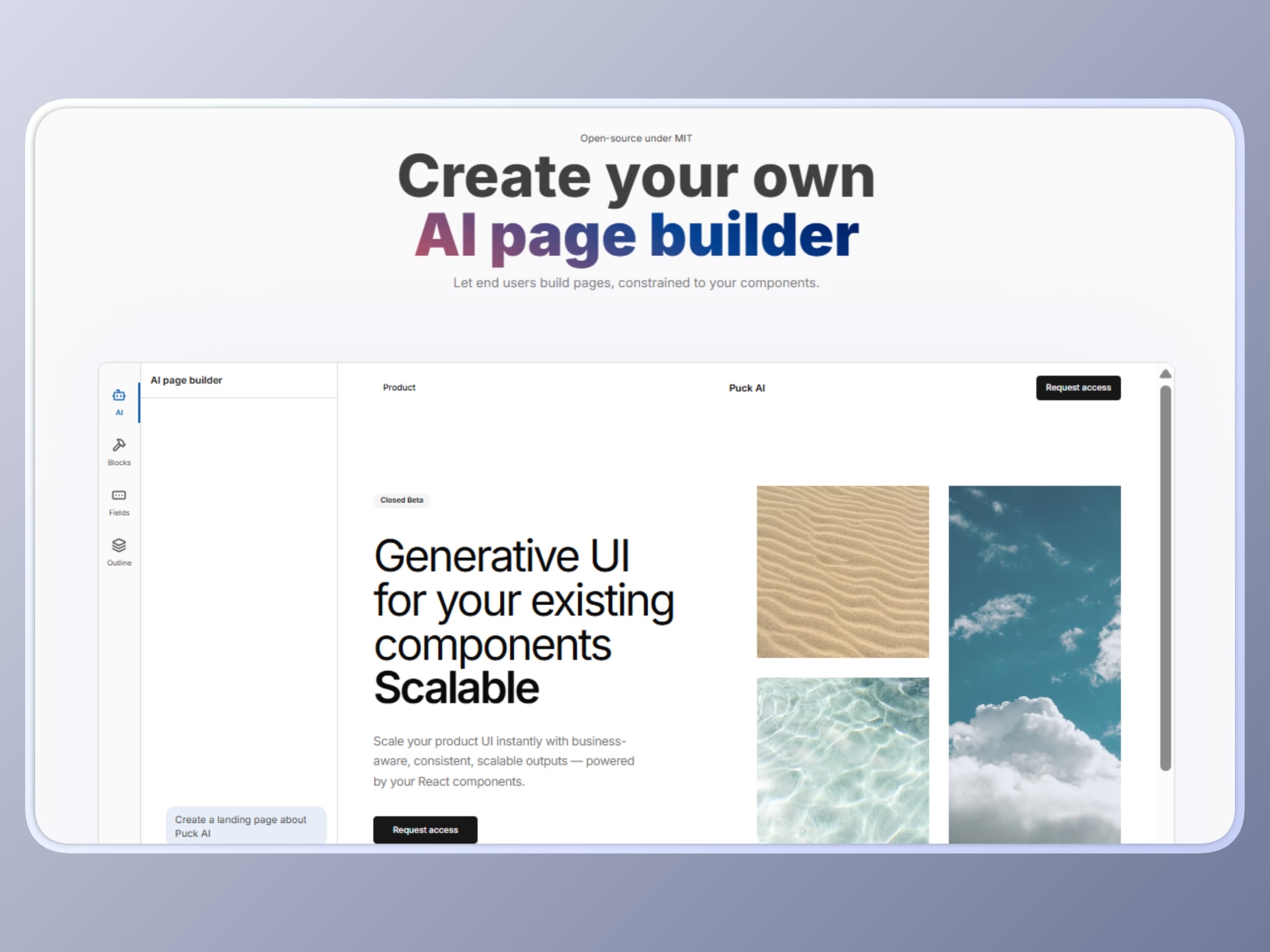
Puck AI is a platform for building AI-powered page creation experiences inside your own product. It generates interfaces using a predefined set of components, allowing backend systems and non-technical users to create UI without generating new code.
To use it, you connect Puck AI to the UI components already available in your application. It then generates pages using only those approved components, either on its own as part of an automated AI-driven workflow or alongside the Puck editor for a drag-and-drop editing experience. Since the output is assembled from your existing components, every generated page is safe and stays consistent with your design system and application code.
This is the main difference compared with Lovable. Lovable generates code from prompts. Puck AI generates UI at runtime using components you have already implemented and tested, so there is no generated code to review, rewrite, or deploy separately.
Pros
No deployments
One of the biggest bottlenecks with Lovable is that it generates raw code, which means every output needs to, at the very least, be deployed before it can be used. Puck AI avoids that altogether by generating pages at runtime from your existing React components. There’s 0 code generation. That means each output can be used in your product immediately without waiting for a deployment cycle, opening the door to use cases such as live content updates and personalized experiences in real time.
Safe by design
Lovable can work well when developers are the ones using it, but adding it into workflows for non-technical users is much harder. Because Puck AI works within the execution flows and components you already implemented, the generated UI always stays within the boundaries of your application. This makes it easier for you to safely expose page generation to end users, internal teams, or automated systems without the risk of AI introducing unexpected code or breaking the app.
Embeds in your system
Puck AI is designed to run inside your product, not beside it as a separate platform. You can integrate it into your front end, back end, CMS, internal tools, customer flows, or publishing systems while keeping control over the full page generation flow: how pages are created, where they live, how they are stored, and how they move through your infrastructure.
This means you do not need to migrate your content or workflows into a separate system. Puck AI adapts to your UI generation requirements now and evolves with them over time without locking you in.
Guardrailed generation
Lovable struggles to create UI consistently as a project grows. You might start with something that looks right, but after enough iterations, the code can become messy, inconsistent, and sometimes completely disconnected from the rest of your product. To mitigate this, you usually end up adding plain text rules trying to explain what the AI should or should not do.
Puck AI avoids this by generating pages from the components, rules, and context you define. You decide which React components it can use, how they can be configured, how they should be assembled, and how external data or variables should shape the result for each page. This keeps generation predictable and aligned with your product requirements, instead of producing one-off interfaces that need to be cleaned up later. In other words, you tell the AI what it should do instead of spending most of your time trying to correct what it should not do.
Cons
Not a development tool
Puck AI does not generate full applications or new components from scratch. Instead, it generates UI using the React components you have built. If you need to generate APIs, backend logic, database schemas, or complete application code, you will need to use it alongside other development tools. This makes it a better fit for UI generation inside an existing product than for full-stack development.
Requires a React-based UI layer
At the time of writing, Puck AI works with components that already exist in your application and uses React to render them. This means your UI needs to be implemented as React components. If your front end uses another framework, adopting Puck AI may require onboarding your team to React and adding extra development time before your UI generator is ready for end users.
That said, the generation layer itself can work outside React, and there is already an issue on the Puck repo tracking multi-framework support.
Integration overhead
Because Puck AI runs inside your own application, it needs to be integrated into your stack and configured before it can be used. This gives you more control over how UI is generated and where it fits into your system, but it also requires upfront development effort to connect components, define the experience, and deploy it as part of your product.
When to use Puck AI
Use Puck AI when you want people to create pages inside your product while keeping the result consistent with your design system and application. It works especially well when pages need to be production-ready from the start, without requiring engineering work every time something new is created.
This makes it a good fit for CMS experiences, publishing workflows, white-label products, and no-code interfaces where non-technical users need to generate landing pages or content from a predefined set of components.
Puck AI is also useful when page creation needs to happen programmatically as part of a larger workflow. Using the headless generation APIs, pages can be generated from backend systems, user actions, or automated publishing flows while still following the component rules and design constraints defined in your application.
That said, if your goal is to generate entirely new applications or backend logic from prompts, a full-stack development tool will be a better fit.
2. Bolt.new
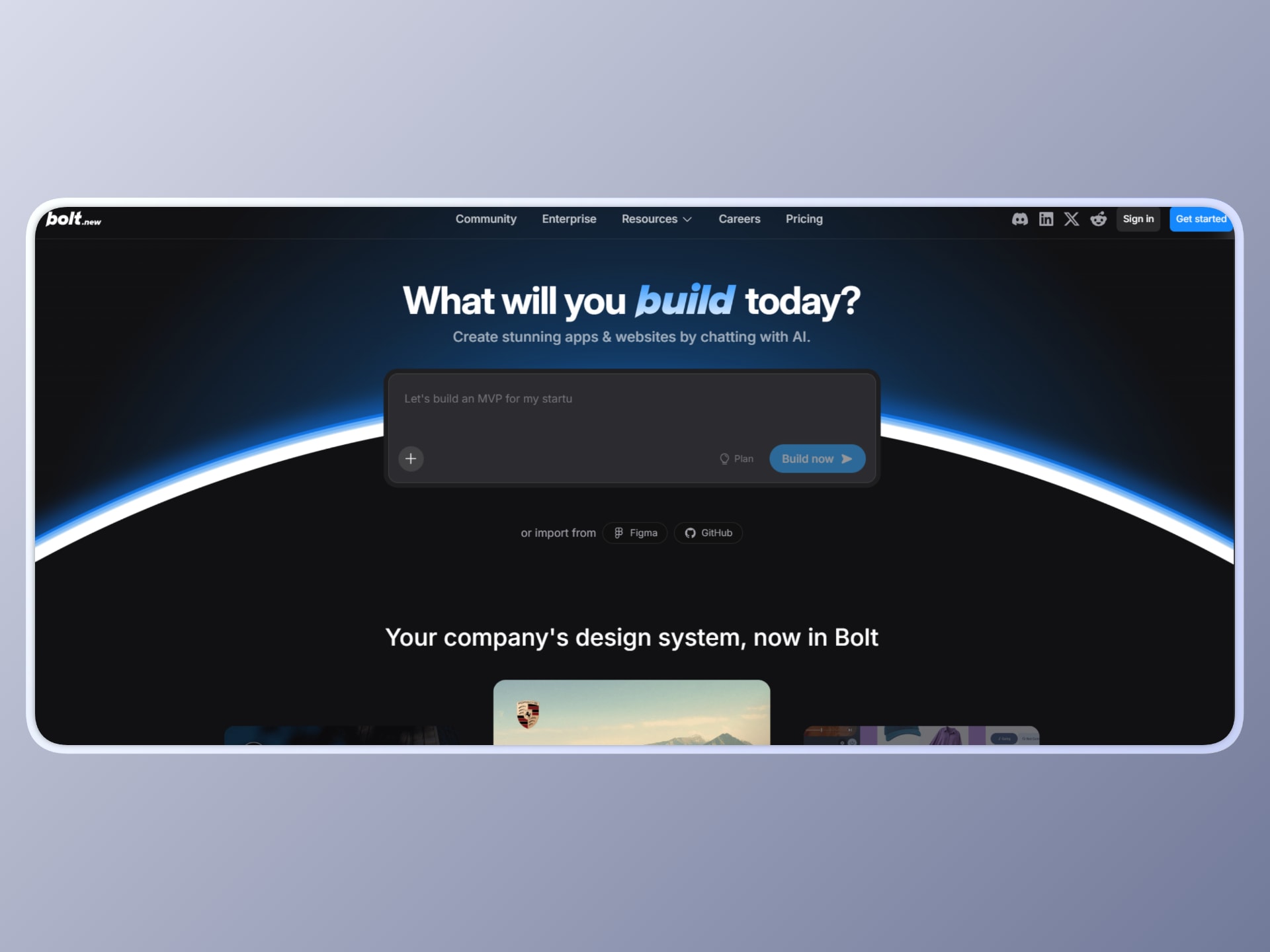
Bolt.new is an AI-powered IDE from StackBlitz that lets you build and deploy full-stack applications directly in the browser using natural-language prompts. It includes a browser-based workspace where you can generate frontend and backend code, run it instantly, and iterate without setting up a local development environment.
That is the main difference compared with Lovable. While Lovable is primarily focused on generating application interfaces from prompts, Bolt gives you a complete workspace to build, test, and ship an application in one place.
Pros
Requires zero configuration
Bolt allows you to move from prompt to a running full-stack application without switching tools. You can generate frontend and backend code, execute it immediately, and iterate within the same environment. This reduces setup time and simplifies the development workflow, especially during early-stage prototyping.
In-browser execution environment
The platform runs entirely in the browser, using WebContainers to simulate a local development environment. You can install dependencies, run servers, and test applications without having to configure or install anything on your machine. This makes it easier to start building immediately, regardless of your system setup.
Integrated deployment capabilities
Bolt includes built-in deployment options, allowing you to push applications live directly from their platform. This removes the need to configure separate hosting or CI/CD pipelines for basic use cases, making it easy to validate ideas quickly with a working deployment.
Supports multiple JavaScript frameworks
Bolt makes it easy to work across frontend frameworks in the JavaScript ecosystem. This is useful when experimenting with different approaches, rebuilding parts of an application, or migrating from one frontend framework to another without starting from scratch.
Cons
Output requires review
Applications built with Bolt still need to be reviewed, tested, and validated before production use. You are responsible for ensuring correctness, security, and performance, as well as making sure the generated output aligns with your existing codebase, design system, and product requirements. Depending on the stage of the project, this can add additional work before the application is ready to ship.
Limited architectural control
Since the application structure is generated automatically, you may have less control over how the system is organized. Modifying or scaling the architecture can require manual refactoring after generation. This can become a constraint for larger or long-term projects.
Dependency on a third-party hosted environment
Bolt operates entirely as a third-party hosted platform, which means your development workflow depends on its environment and infrastructure. You do not have the same level of control as a local or self-managed setup. This can be limiting if you need custom configurations or deeper system integration.
Harder to adopt in established teams
Since Bolt runs within its own hosted environment, it can be harder to fit into organizations with established infrastructure, internal tooling, or strict deployment workflows. It works well for fast individual builds and prototypes, but can be less practical for teams working across larger or more complex systems.
When to use Bolt
Use Bolt when you need to go from an idea to a working full-stack application without setting up a local development environment or configuring infrastructure.
It is also a strong fit when you want to prototype across different stacks quickly. Since the environment supports installing packages and running servers, you can experiment with frameworks, test integrations, and deploy a working version without setting up build pipelines or hosting manually.
Just keep in mind that, if your use case involves long-term scalability, custom architecture, or deep system integration, you will likely need to keep refining the codebase outside the generated environment. Depending on your needs, that extra work may make it more involved than some of the other solutions on this list.
3. Replit AI
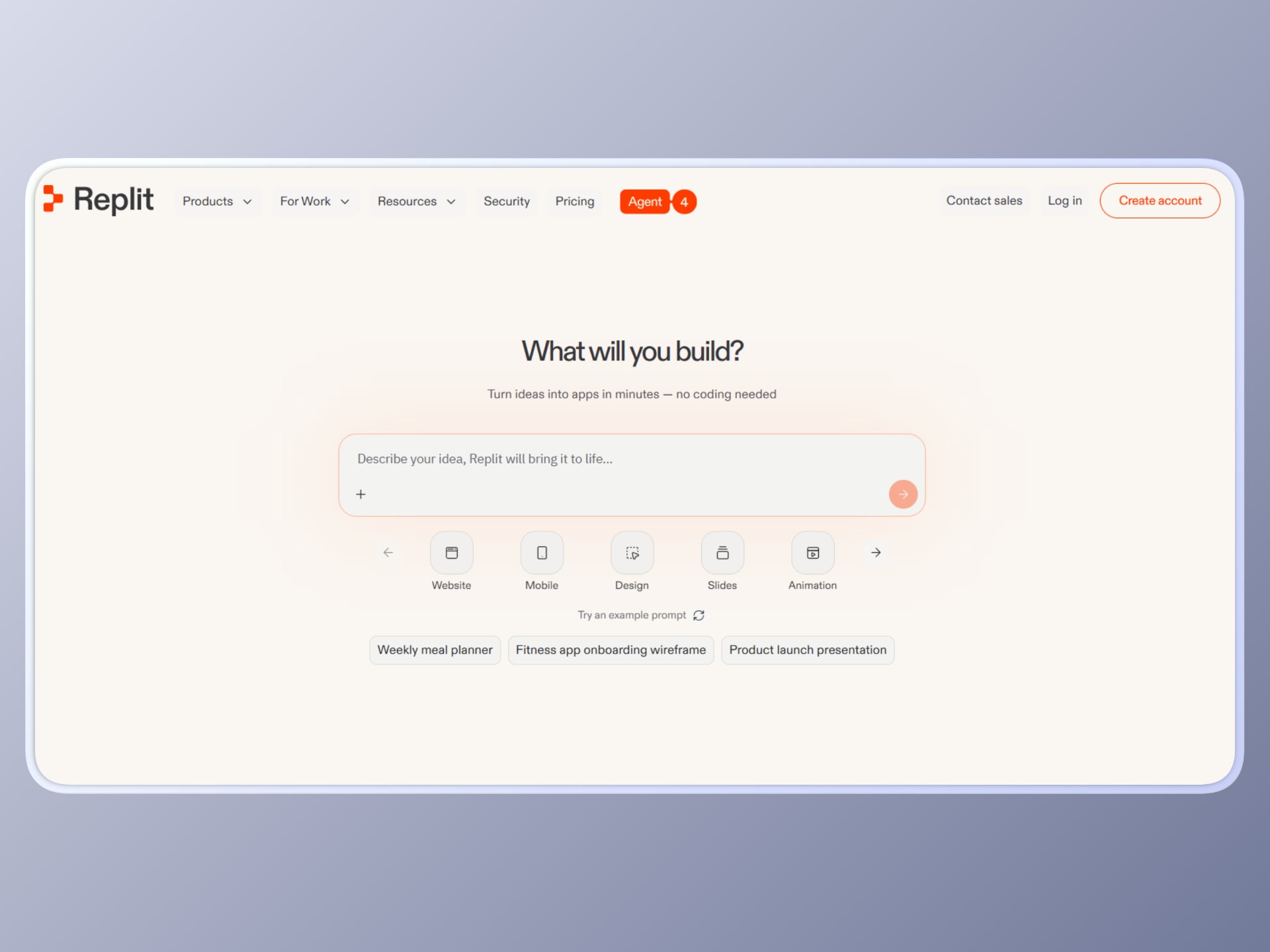
Replit AI is built for continuous development rather than one-time generation. Similar to Bolt, it gives you a browser-based environment where you can build and ship applications without local setup.
The difference is that Replit is designed more as a persistent collaborative workspace for ongoing development, where you can iteratively write, refine, test, and maintain an application over time with AI assistance. While Lovable is centered around creating applications from prompts, Replit is better suited to longer-running development workflows inside the same environment.
Pros
Unified full-stack development environment
Replit AI provides a complete development workflow within a single browser-based IDE. You can write backend logic, build frontend interfaces, manage databases, and deploy applications without switching tools. This reduces the need for external setup and allows you to move from idea to a working system in one place.
Autonomous AI agent for development tasks
The platform includes an AI agent that can interpret natural language instructions and generate entire application components, including APIs, database schemas, and integration logic. It can also assist with debugging, code improvements, and iterative feature development. This enables you to offload repetitive tasks while maintaining control over the codebase.
Multi-language and runtime support
Replit supports over 50 programming languages and provides an execution environment that works consistently across devices. You can run servers, install dependencies, and test applications directly in the browser. This flexibility allows you to experiment with different stacks without configuring local environments.
Built-in deployment and collaboration
You can deploy applications directly from the platform with minimal configuration, including hosting APIs, web apps, and services. Replit also supports real-time collaboration, allowing multiple developers to work on the same project simultaneously. This is useful when you need to iterate quickly or share working prototypes.
Cons
Developer-focused workflow
Replit AI is built primarily for developers working directly with code. Its browser-based IDE, coding workflows, and AI assistance are powerful if you are comfortable building and debugging software, but less accessible for non-technical users who need to create or manage applications without writing code. This makes it a stronger fit for engineering teams than for content teams or end users.
Less control over execution environment
Since Replit operates in a managed cloud environment, you have limited control over system-level configurations. Advanced use cases that require custom infrastructure, fine-tuned environments, or low-level optimizations may be harder to implement. This can become a constraint for complex production systems.
AI-driven changes require oversight
The autonomous AI agent can make changes across your codebase, including refactoring or modifying logic. While this improves speed, it also requires careful supervision to avoid unintended behavior. You need to monitor changes closely, especially in critical parts of your application.
When to use Replit
Use Replit AI when you need a complete development environment where you can continuously build, test, and deploy applications with AI assistance.
For example, if you are developing an MVP or internal tool, you can describe features in natural language, have the AI generate backend APIs, connect databases, and scaffold frontend components, then immediately run and test everything in the same environment. You can iterate on features, debug issues, and deploy updates without setting up local infrastructure or switching between multiple tools.
It is also well-suited when you want to collaborate or experiment across different technologies. Since the environment supports multiple languages and real-time execution, you can prototype services, test integrations, and refine application logic in a single workspace.
However, if your application requires strict architectural control, custom infrastructure, or more advanced performance, security, or deployment requirements, the last item on this list may be more appropriate.
4. v0 by Vercel
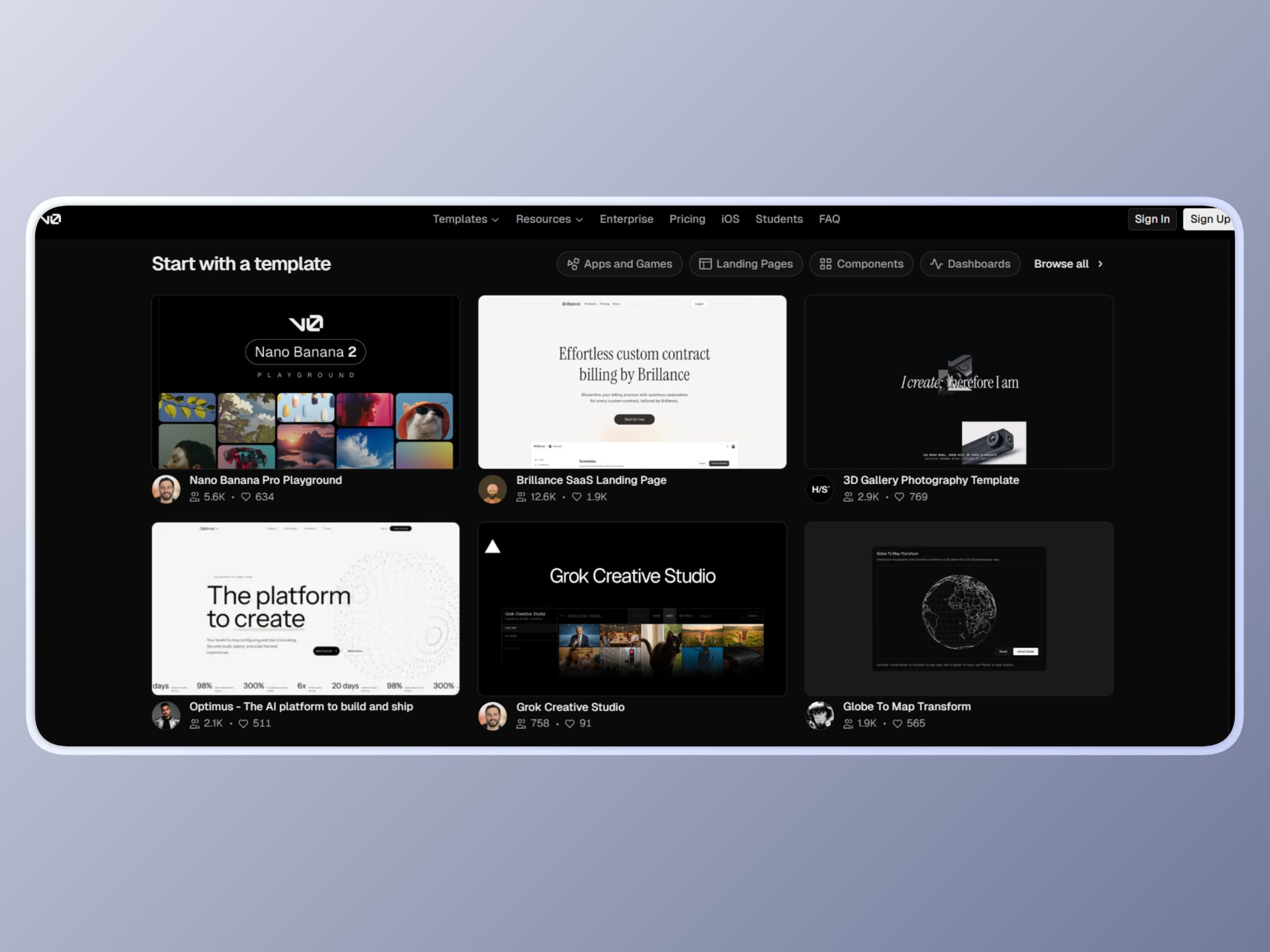
v0 by Vercel is an AI-driven UI and application generation tool that turns natural language prompts into React and Next.js code. It focuses on generating frontend components, full pages, and full-stack applications using modern libraries like Tailwind CSS and shadcn/ui.
You can describe a UI, upload a reference, or iterate through prompts, and v0 will generate code with a live preview. It also integrates with Git workflows, allowing you to pull your own repository, push changes to it, or deploy it directly through Vercel.
Compared with Lovable, v0 is more focused on generating framework-aligned frontend code, particularly within the React and Next.js ecosystem. Instead of abstracting part of the development away, it gives you well-structured code that can fit into an existing codebase and development workflow with an IDE to edit and refine it.
Pros
High-quality React and Next.js code generation
v0 generates React and Next.js UI code based on modern frontend patterns and common design conventions. The output is often a strong starting point for landing pages, dashboards, and interface scaffolding, though it typically still requires review, testing, and integration before production use.
Seamless integration with Git and existing codebases
v0 supports direct integration with GitHub repositories, allowing you to push generated code into your project, create branches, and open pull requests. This makes it easier to incorporate AI-generated output into standard development workflows. Instead of copying code manually, you can work within your existing version-controlled environment.
Rapid UI prototyping with live preview
You can generate UI components or pages and immediately see a live preview alongside the code. This, in combination with features like Figma importing, allows you to quickly iterate on layouts, styling, and structure without switching between design and development tools. It is particularly useful when refining frontend experiences or validating design ideas.
Direct deployment via Vercel
v0 integrates natively with Vercel’s deployment platform, allowing you to publish applications or previews instantly. You can go from prompt to a live deployment without configuring infrastructure manually. This simplifies the process of testing and sharing working UI implementations.
Cons
Primarily frontend-focused
v0 is designed primarily for frontend generation, especially React and Next.js. While it can connect to APIs or extend into full-stack workflows, it does not provide the same level of backend generation or orchestration as full-stack AI builders. This limits its use if you need end-to-end application scaffolding.
Generated code requires review and integration
Although the generated code follows modern standards, it still needs to be reviewed, tested, and adapted before production use. You are responsible for ensuring that the generated components align with your architecture, performance requirements, and security constraints. This introduces a development validation step.
Framework and ecosystem dependency
v0 is tightly aligned with the React and Next.js ecosystem and integrates closely with Vercel’s platform. If your stack uses different frameworks or requires infrastructure outside this ecosystem, adoption may require additional adjustments. This can limit flexibility in heterogeneous environments and adoption in large organizations.
When to use v0
Use v0 when you need to generate frontend components or pages that integrate directly into a React or Next.js codebase, while still maintaining control over the code.
For example, if you are building a landing page, you can describe the layout, generate React components, and push them directly to your repository using the Git integration. From there, you can review the changes through pull requests, refine the implementation, and deploy with Vercel all within the same platform.
It is also effective when you want to accelerate frontend development without abstracting it away completely. You still work with real code, but you reduce the time spent on repetitive UI construction and styling.
All this said, if your requirement is full-stack generation, backend orchestration, or complete application automation, you will likely need to combine v0 with other tools or extend the generated code manually.
5. Cursor
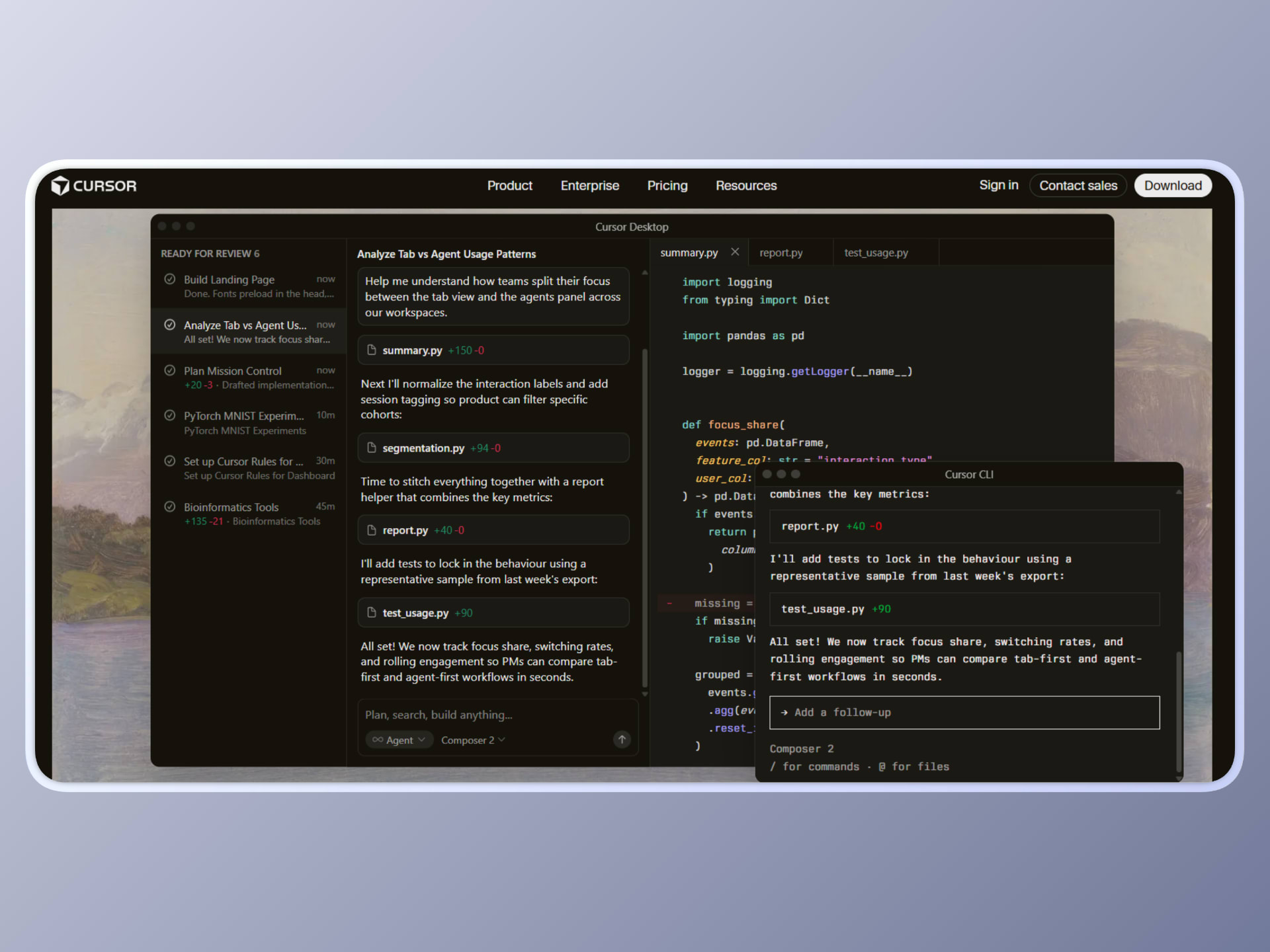
Cursor is an AI-native code editor built as a fork of Visual Studio Code, designed to integrate AI directly into the development workflow rather than as an external extension. It allows you to generate, edit, refactor, and navigate code using natural language, with deep awareness of your entire codebase.
It also introduces agent-based capabilities, where you can delegate tasks such as writing features, modifying multiple files, or debugging issues, while still retaining full control over the code and execution process.
Cursor enhances the traditional development workflow by embedding AI directly into the code editor, rather than abstracting development through prompt-based application generation. While Lovable focuses on generating applications from prompts, Cursor operates within your existing codebase, allowing you to iteratively build, modify, and maintain software with full control over architecture and implementation.
Pros
Deep codebase awareness and contextual editing
Cursor can index and understand your entire repository, allowing it to make context-aware suggestions and edits across multiple files. This enables you to perform complex refactoring, update logic across modules, or generate features that align with your existing architecture. It goes beyond simple autocomplete by operating at the project level rather than just individual files.
Agent-based development workflow
Cursor includes agent capabilities that allow you to describe tasks in natural language and have the system plan and execute them. This can include writing new features, modifying existing logic, or debugging issues. You can delegate repetitive or multi-step tasks while focusing on higher-level decisions and system design.
Full control over code and architecture
Unlike tools that abstract away implementation details, Cursor operates directly within your codebase. You can review, modify, and structure the generated code according to your requirements. This makes it suitable for complex systems where architectural decisions and long-term maintainability are important.
Advanced editing and refactoring capabilities
Cursor supports multi-line edits, smart rewrites, and code transformations driven by natural language instructions. You can update large sections of code, refactor logic, or apply consistent changes across files without manual repetition. This significantly reduces the effort required for maintaining and evolving codebases.
Cons
Requires development knowledge and active involvement
Cursor is designed for developers and assumes familiarity with programming concepts, tools, and workflows. You are responsible for guiding the AI, validating outputs, and making architectural decisions. It does not abstract development to the level of no-code or prompt-only tools.
Generated code needs validation and testing
Although Cursor provides high-quality suggestions and edits, the generated code still needs to be reviewed, tested, and validated. You must ensure correctness, security, and performance before integrating changes into production systems. This introduces the standard development lifecycle overhead.
Not focused on UI or app-level generation
Cursor does not specialize in generating complete applications or UI systems from prompts. Instead, it focuses on assisting with code-level development within an existing project. If you are looking for rapid UI generation or end-to-end app scaffolding, additional tools may be required.
When to use Cursor
Use Cursor when you are working within an existing codebase and want to accelerate development without losing control over how your system is built.
For example, if you are developing a feature in a large React or backend application, you can describe the functionality in natural language, and Cursor can generate the required logic, update related files, and suggest changes across the repository. You can then review the implementation, refine it, and integrate it into your system while maintaining full visibility into the code.
It is also well-suited for scenarios where you need to refactor or extend complex systems. Since Cursor understands the broader context of your codebase, it can help you make consistent changes across multiple modules, reduce manual effort, and improve development speed without introducing a separate generation or deployment workflow.
It works best as a development accelerator rather than a replacement for engineering workflows. If your goal is to generate complete applications without managing code, a higher-level abstraction tool would be more appropriate.
Final Notes
Lovable is useful when you want to quickly generate applications from prompts, but as your requirements grow, you may need more control or a workflow that fits more naturally into your existing product. When you reach that point, there are several alternatives worth considering.
The right choice depends on what you are trying to build, how much control you need, and where the generated output needs to live.
If you want to generate UI with your own components, without adding a separate generation and deployment cycle, Puck is worth exploring. It gives you control over how UI is created, while keeping the generation flow inside your existing system.
Learn more about Puck
If you’re interested in learning more about Puck, check out the demo or read the docs. If you like what you see, please give us a star on GitHub to help others find Puck too!