 Amitesh Anand
TL;DR
- AI libraries used in React apps serve different purposes. Some run directly in the browser, while others work through backend or API-based workflows.
- Many AI tools focus on specific problems like UI integration, data retrieval, or structured content generation, not just chat interfaces or code generation.
- Choosing the right AI library comes down to understanding where AI fits into your React app and what role it needs to play.
In this article, let us explore 8 key AI libraries and tools React developers use in 2026, grouped by how they fit into real-world React workflows.
Understanding Where AI Fits in a React Application
AI tools for React are not all designed to solve the same problem. Some run directly in the browser, others live in backend services, and some operate at the UI layer. Understanding where an AI library fits in your application helps you choose tools that work well with React instead of fighting against it.
- Client-side machine learning: These libraries run directly in the browser and handle tasks like image recognition or simple predictions. They reduce server dependency and can improve privacy, but they are limited by device performance and browser resources.
- LLM and AI backends: These tools handle large language models, agents, and data-heavy workflows. They usually run on the server and are accessed from React through APIs. This layer is best suited for reasoning, retrieval, and complex AI logic.
- UI and content generation: Some AI tools focus on generating or assisting with user-facing content and interfaces. These tools work closely with React components and state, making them useful for editors, design systems, and structured UI workflows.
Why AI Tooling Works Better in React Today
- Edge runtimes make it easier to run AI logic closer to users with lower latency.
- Streaming UI allows React apps to display AI responses progressively instead of waiting for full results.
- Full-stack React frameworks simplify connecting frontend components with backend AI services.
Top 8 AI Libraries for React Developers
Below are the top 8 AI libraries for React developers in 2026:
1. Puck AI
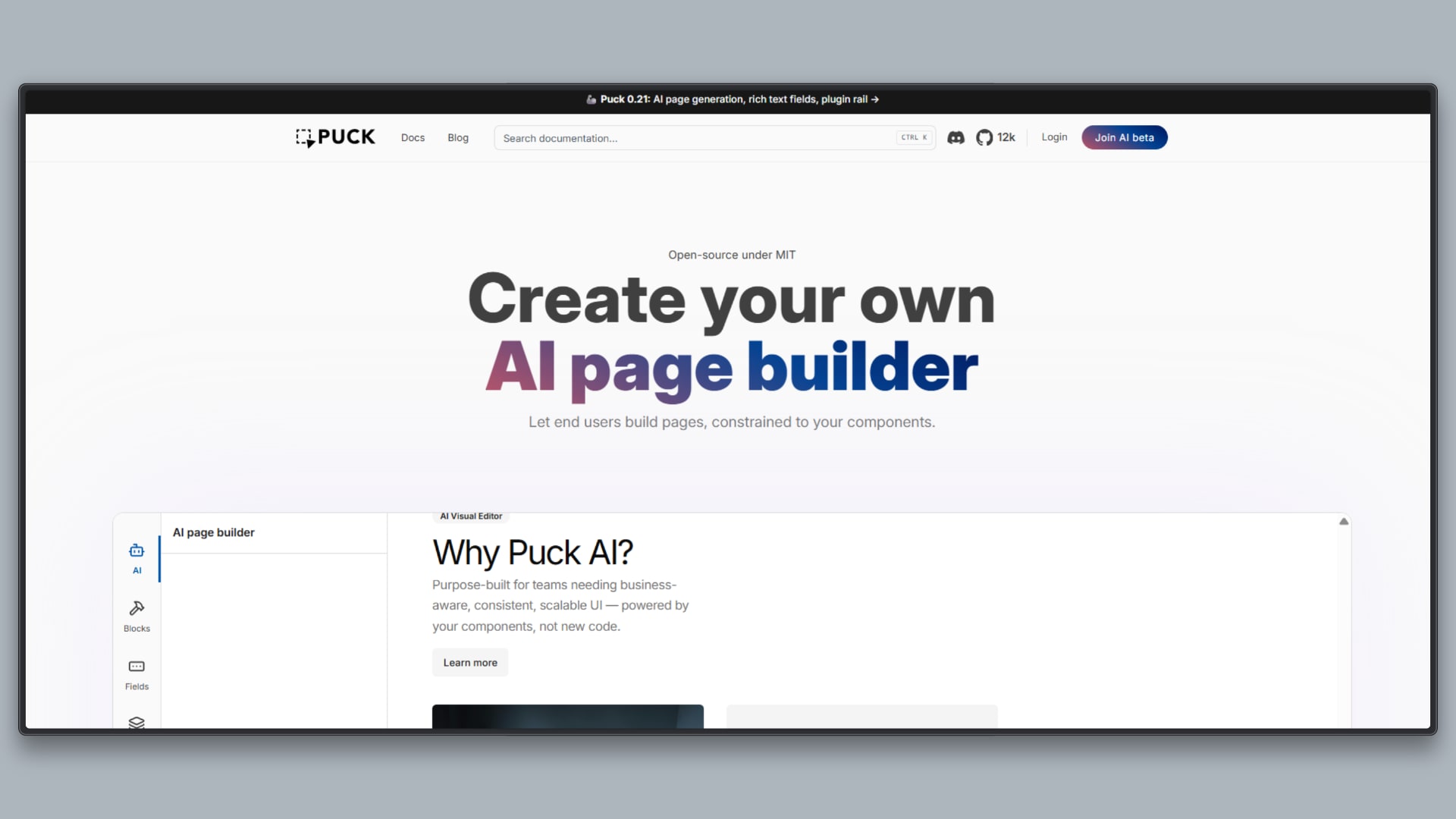
Puck AI lets you create an AI page builder for non-technical end users to generate landing pages from a predefined set of components. It produces predictable, production-ready pages instead of raw or ad hoc code.
- Deterministic UI generation: Generates pages that conform to existing React component definitions instead of producing free-form code or markup.
- Configuration-driven behavior: AI output is constrained by schemas, rules, business context, and tools, allowing teams to control not only what the model can generate, but also what data it can access and which actions it is allowed to perform when generating UI.
- Component-native integration: Puck AI uses your existing React components as the building blocks for AI output, enabling AI-assisted page creation that results in real, renderable UI rather than design mockups or intermediate formats.
- Editor and CMS workflows: Designed for visual editors, page builders, and structured content systems rather than conversational interfaces.
- Low-friction AI adoption: Makes it possible to experiment with AI-assisted UI generation and content creation without setting up full agent architectures, custom prompt pipelines, or model lifecycle management.
2. Tensorflow.js
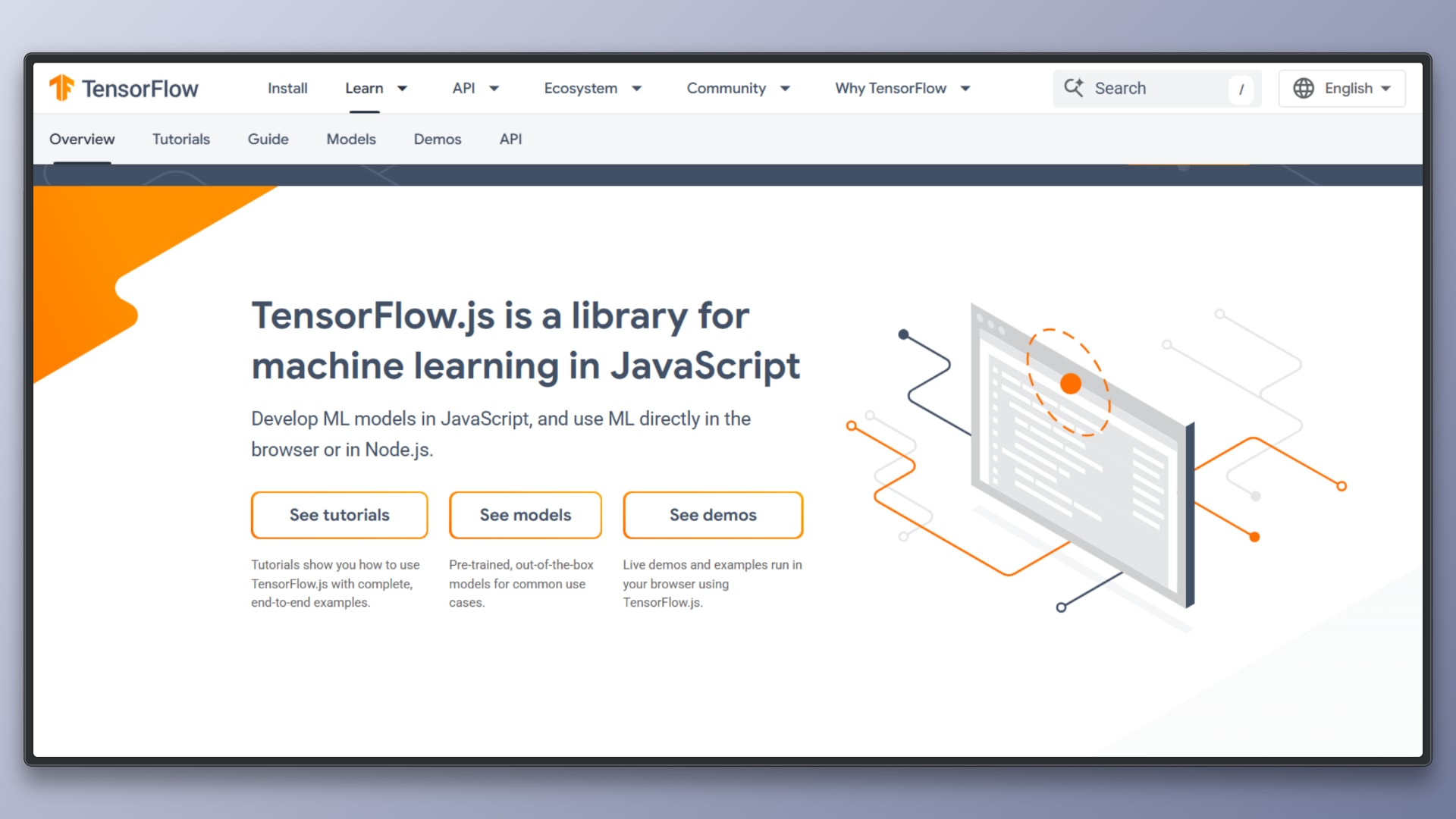
TensorFlow.js allows machine learning models to run directly inside the browser using JavaScript. It enables React applications to perform inference, and in some cases training, without sending data to a backend server.
- Browser-based model execution: Runs ML models using WebGL, WebGPU, or CPU backends, allowing inference to happen entirely on the client side.
- Common ML tasks: Supports use cases such as image recognition, object classification, basic predictive modeling, and simple neural networks.
- Privacy-preserving inference: Since data does not need to leave the user’s device, it is well-suited for applications with strict privacy or compliance requirements.
- Low-latency interactions: Eliminates network round-trip times for inference, enabling faster responses for real-time features like camera-based recognition.
- JavaScript-first integration: Works naturally with React and other frontend frameworks without requiring Python-based tooling.
3. ML5.js
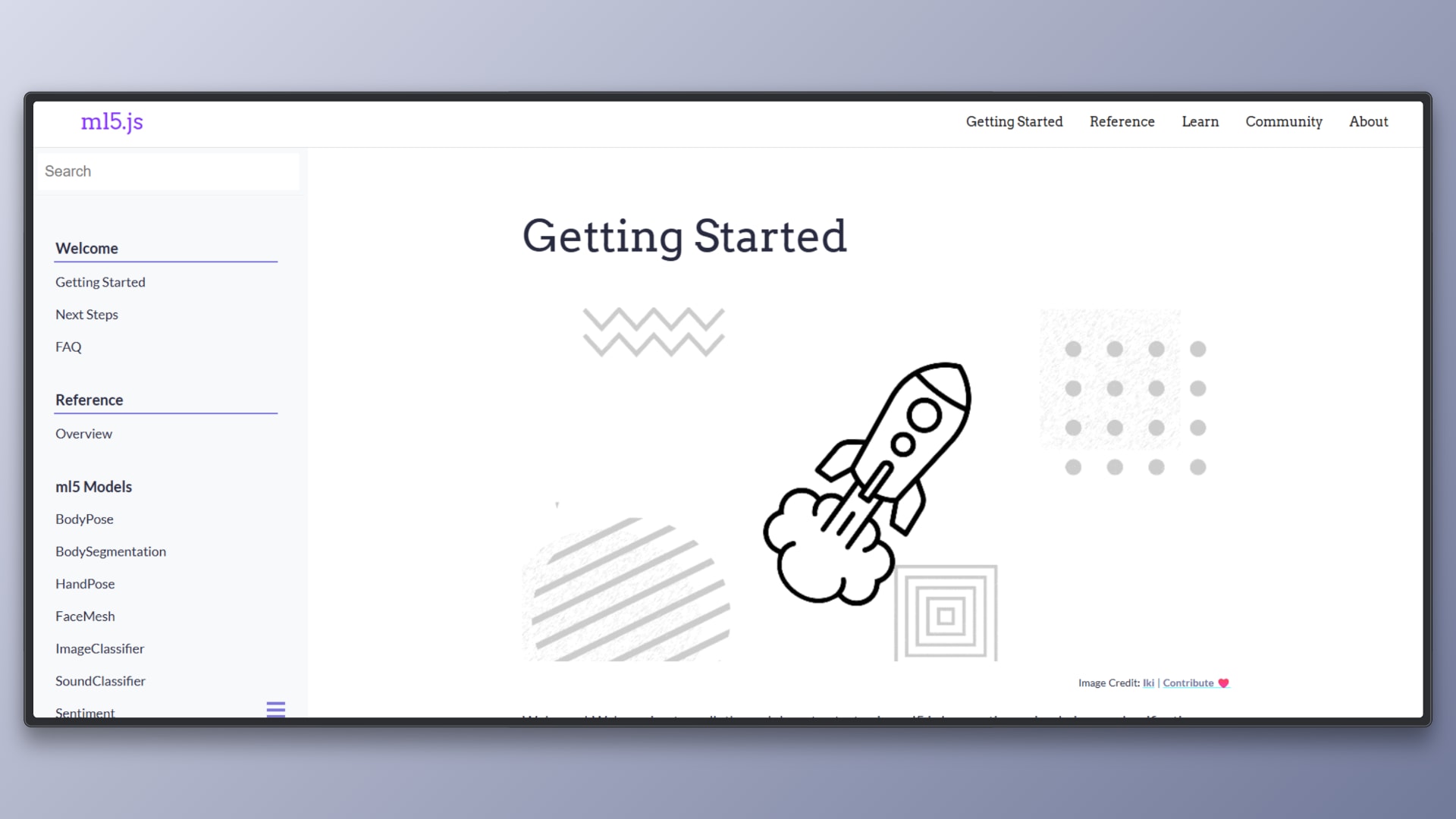
ML5.js is a high-level JavaScript library built on top of TensorFlow.js that makes machine learning more accessible in the browser. It abstracts away low-level model handling and provides simple APIs for common ML tasks.
- Built on TensorFlow.js: Uses TensorFlow.js under the hood while hiding most of the complexity involved in loading and running models.
- Simplified APIs: Provides easy-to-use functions for common machine learning tasks without requiring deep knowledge of neural networks or model architecture.
- Pretrained model support: Includes ready-to-use models for vision, text, and audio tasks, allowing developers to get results quickly.
- Browser-first design: Runs entirely in the browser and integrates smoothly with React and other frontend frameworks.
- Fast experimentation: Well-suited for trying ideas quickly without setting up backend infrastructure or ML pipelines.
4. Langchain.js
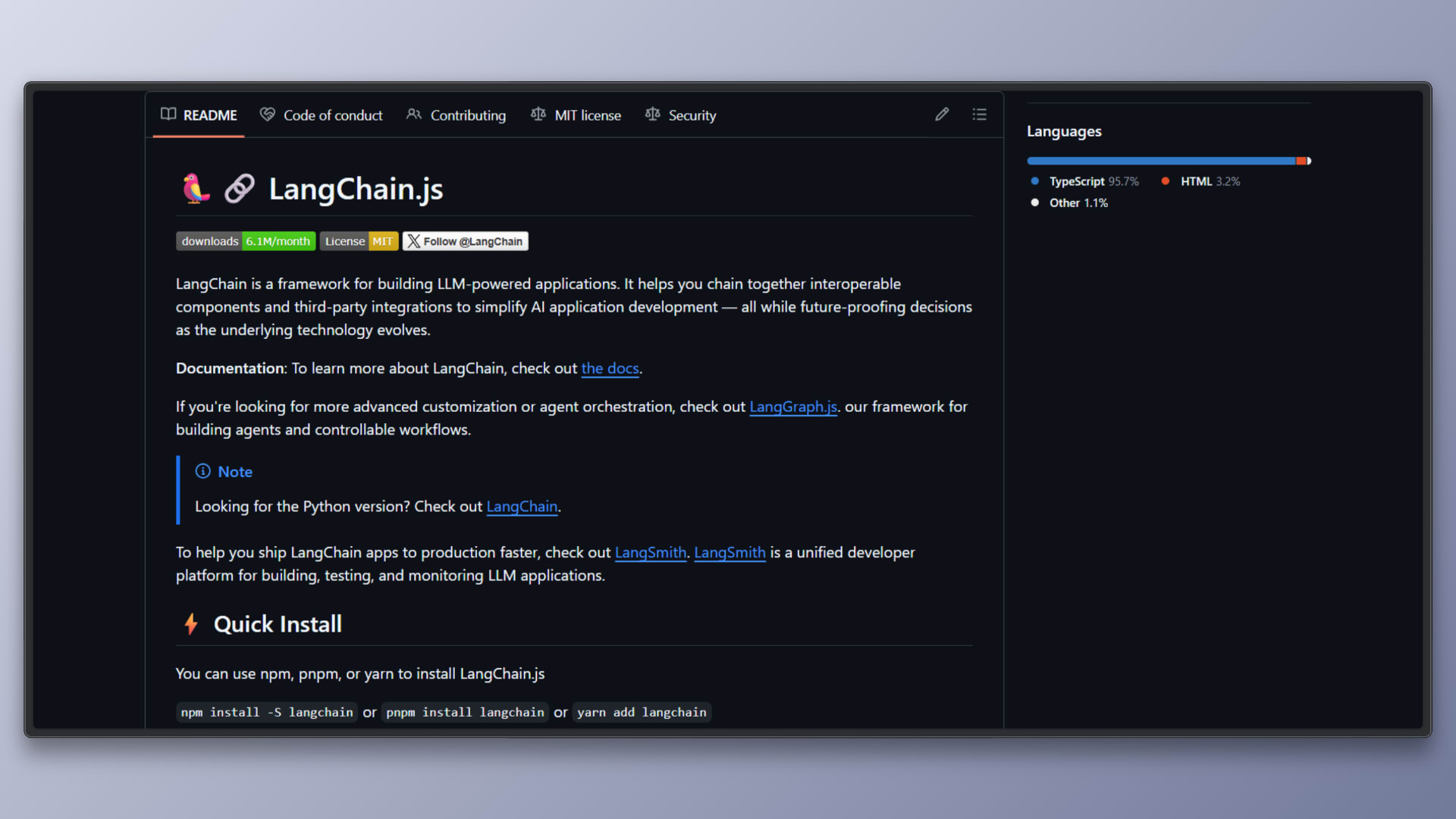
LangChain.js is a framework for building applications that coordinate large language models with external tools, data sources, and multi-step logic. It is designed to manage complexity when simple prompt-and-response interactions are no longer sufficient.
- Chains and workflows: LangChain allows developers to connect multiple prompts, model calls, and processing steps into structured workflows that execute in a defined order.
- Tool integration: Applications can expose tools such as APIs, databases, or functions that the model can call as part of its reasoning process.
- Agent-based behavior: LangChain supports agents that decide which actions to take based on goals and intermediate results, enabling more autonomous AI behavior.
- Memory and context management: Built-in memory mechanisms help maintain conversational or task-specific context across multiple interactions.
- Backend-first architecture: LangChain.js typically runs on servers, edge functions, or API layers, with React applications consuming its output rather than embedding it directly.
5. LlamaIndex.js
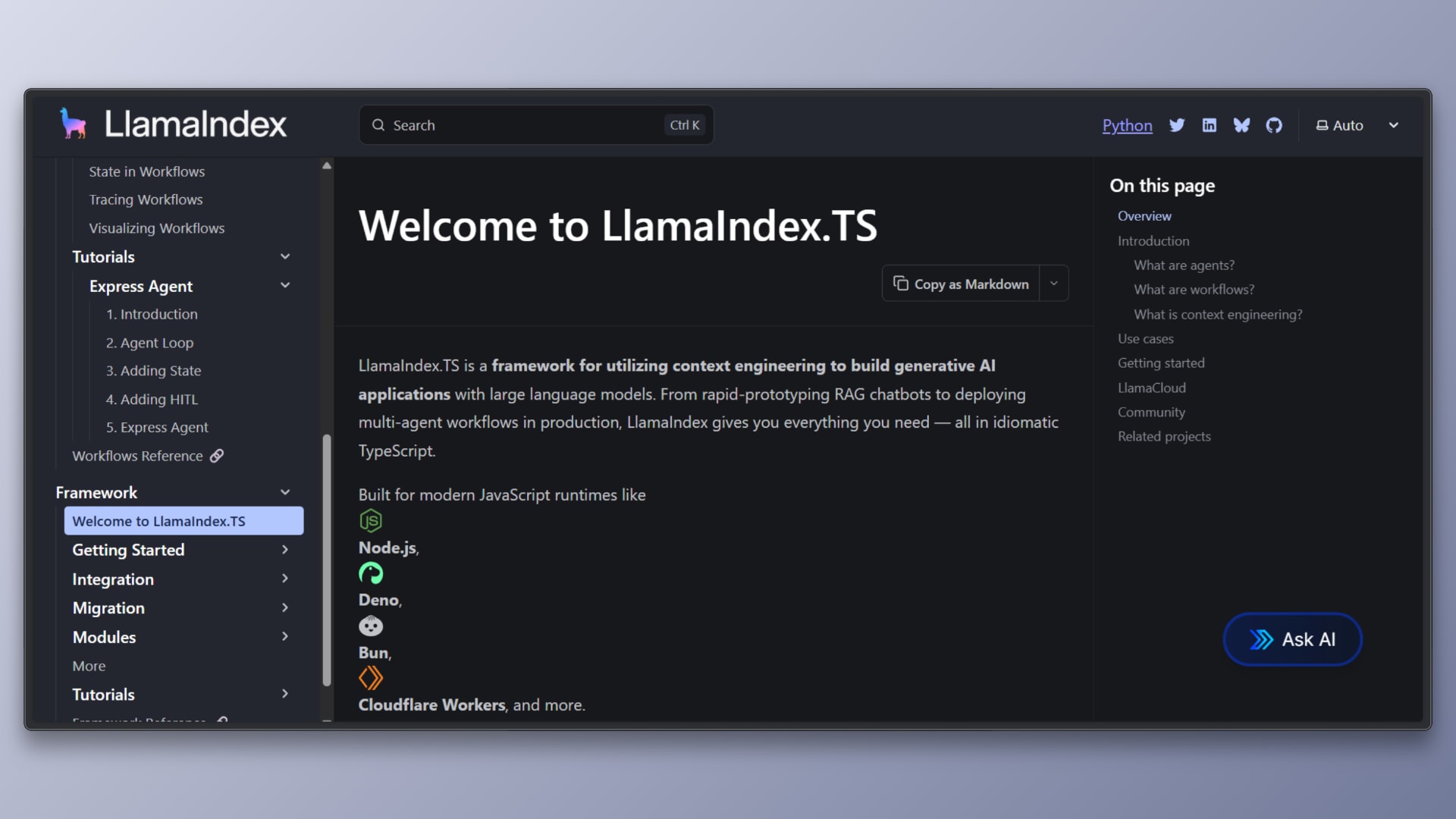
LlamaIndex.js is a framework focused on connecting large language models to custom data sources. It provides the tooling needed to ingest, index, and retrieve application-specific data so that AI systems can generate responses grounded in real information.
- Data ingestion and indexing: LlamaIndex allows developers to load structured and unstructured data from files, databases, APIs, and document stores into searchable indexes.
- Retrieval-Augmented Generation (RAG): Instead of relying only on a model’s training data, LlamaIndex retrieves relevant context from indexed sources and injects it into prompts at query time.
- Flexible data connectors: Supports a variety of data formats and storage backends, making it suitable for real-world application data.
- LLM-agnostic design: Works with multiple language model providers and can be combined with different inference backends.
- Backend-oriented integration: Typically runs on servers or API layers, with React applications consuming results via endpoints.
6. Vercel AI SDK
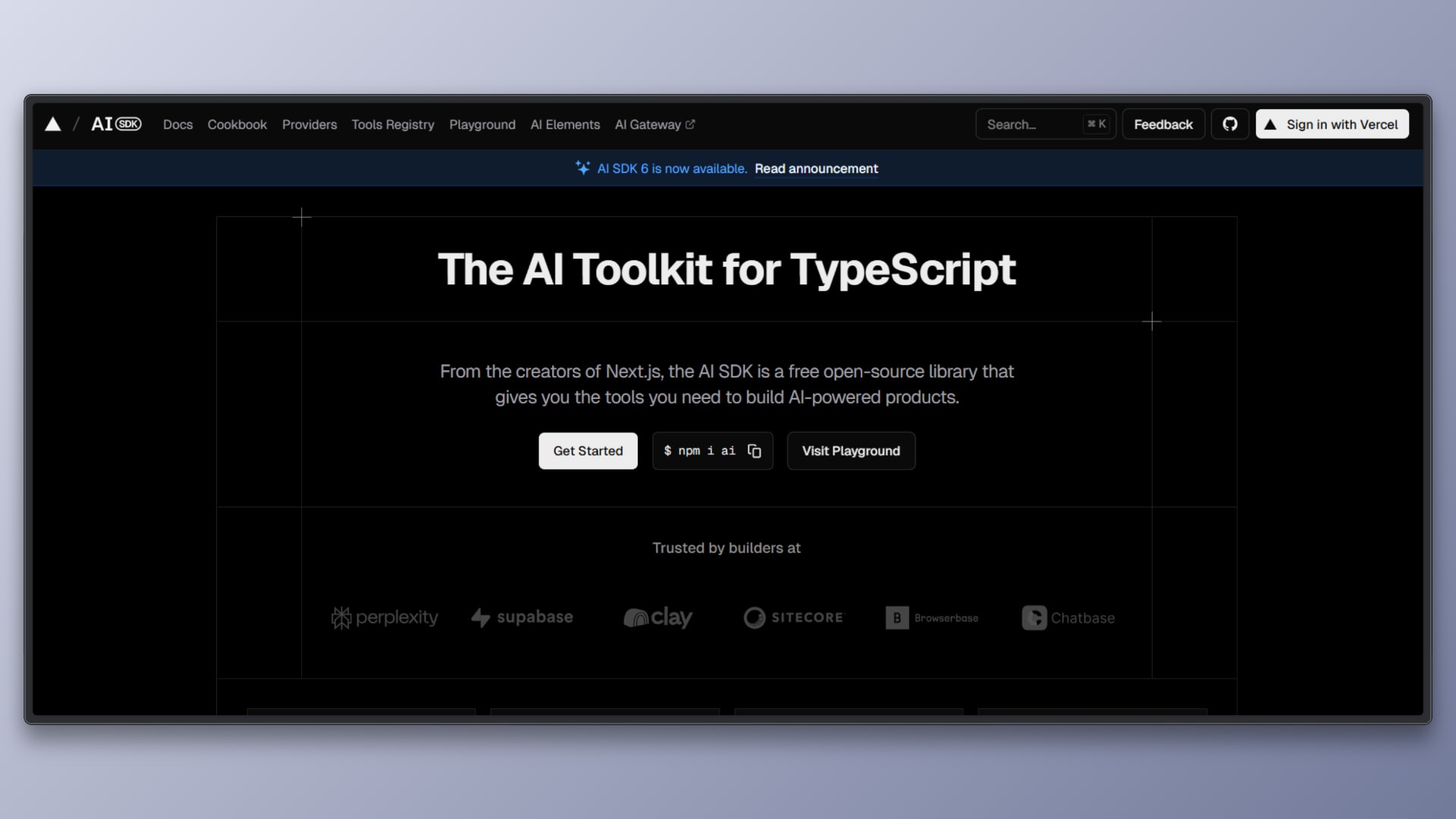
The Vercel AI SDK is designed to help React developers build AI-powered user interfaces with streaming responses. It focuses on the frontend experience, making it easier to display partial AI output as it is generated rather than waiting for a complete response.
- Streaming responses: Supports token-by-token or chunked streaming from language models, allowing AI output to appear progressively in the UI.
- React and Next.js integration: Provides hooks and utilities that work naturally with React components and Next.js app and server components.
- Model-agnostic design: Works with multiple AI providers, allowing developers to switch models without changing UI logic.
- Built-in state handling: Manages loading, streaming, and completion states so developers do not need to implement custom streaming logic.
- Edge and server compatibility: Designed to work with serverless and edge runtimes commonly used in modern React deployments.
7. OpenAI JavaScript SDK
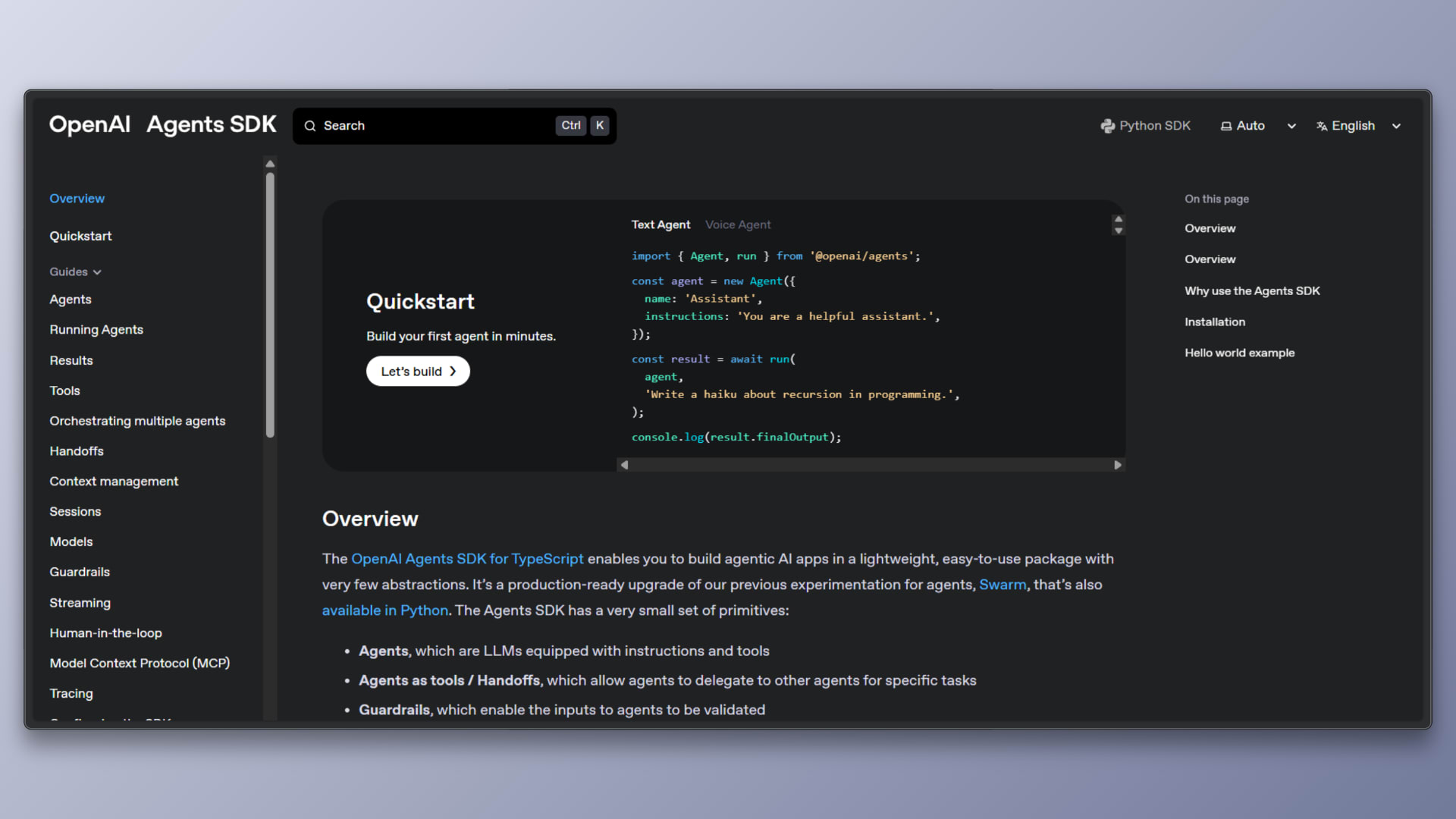
The OpenAI JavaScript SDK provides direct programmatic access to OpenAI’s language and generative models from JavaScript and TypeScript environments. It serves as a low-level interface for applications that want full control over how models are used and integrated.
- Direct model access: Enables applications to call language, image, and other generative models through well-defined APIs without additional abstraction layers.
- No enforced architecture: The SDK does not impose opinions on UI, workflows, or application structure, leaving design decisions entirely to the developer.
- Flexible deployment options: Commonly used in server environments, edge functions, or API routes that React applications communicate with.
- Fine-grained control: Developers manage prompts, inputs, outputs, error handling, and retries directly, allowing precise control over model behavior.
- Composable with other tools: Often used as a foundation beneath higher-level frameworks such as LangChain, LlamaIndex, or custom orchestration logic.
8. Brain.js
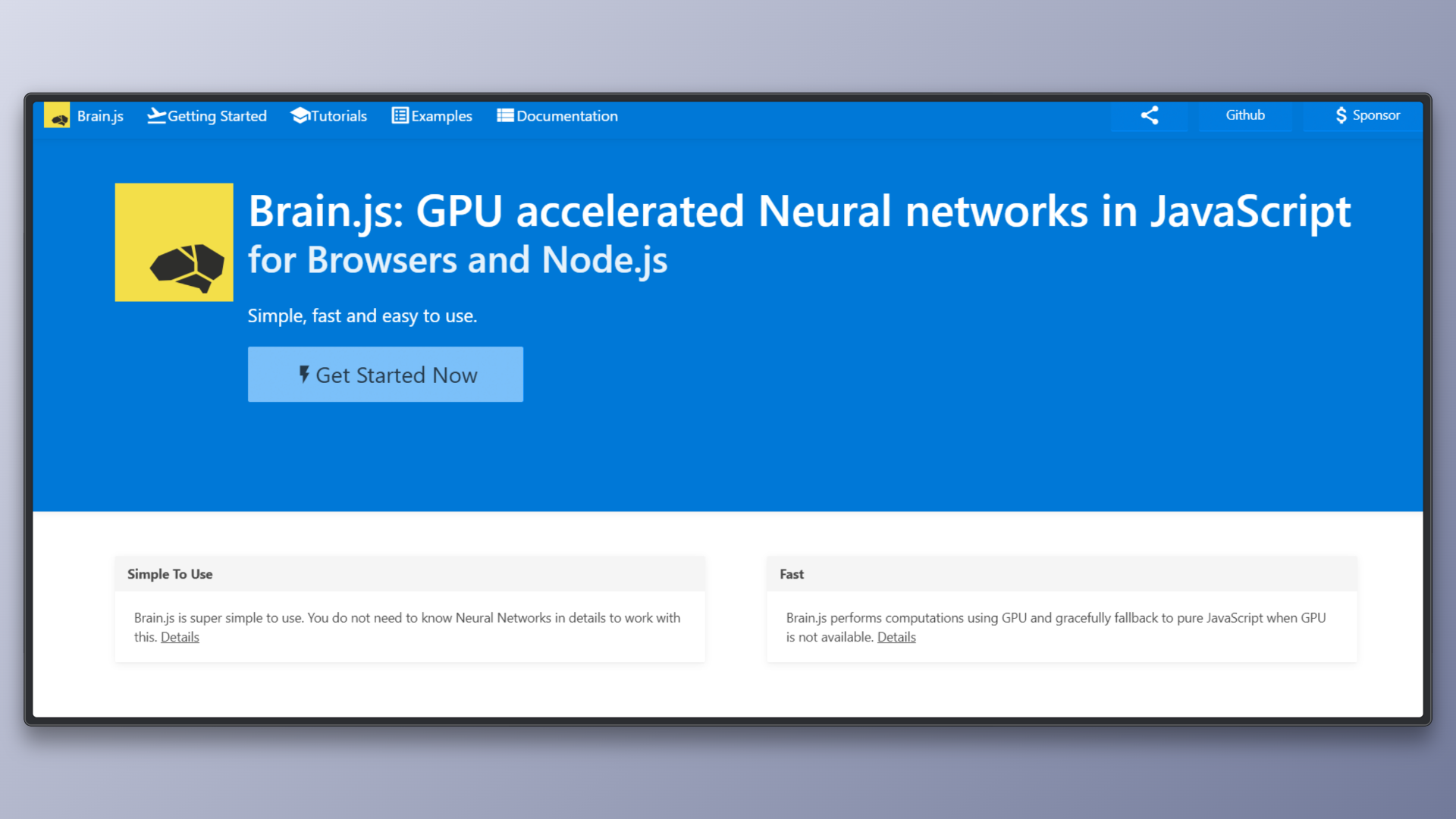
Brain.js is a lightweight JavaScript library for building and running neural networks in browser and Node.js environments. It focuses on simplicity and ease of use rather than large-scale or complex machine learning workflows.
- Simple neural network support: Provides straightforward APIs for training and running basic neural networks such as feedforward and recurrent models.
- JavaScript-first design: Written entirely in JavaScript, making it easy to integrate into React applications or Node.js services without additional tooling.
- Browser and server compatibility: Can run in the browser for client-side inference or on the server for lightweight backend predictions.
- Low setup overhead: Requires minimal configuration, making it suitable for quick experiments and small-scale ML tasks.
- Focused scope: Designed for simple predictive problems rather than deep learning or large language models.
Note: Brain.js has not seen an active release in recent years. While it remains usable for simple tasks and learning purposes, it may not be suitable for systems that require long-term maintenance or rapid ecosystem evolution.
What React Developers Should Pay Attention To
- Performance: Whether AI runs in the browser or through APIs directly affects speed and resource usage.
- User experience: Streaming responses and responsive UI updates matter more than raw model capability.
- Predictability and control: AI output is structured and constrained so it aligns with application state, design systems, and business rules rather than producing free-form or hard-to-integrate results.
- Integration with existing components: The best AI tools work with your current React components instead of replacing them.
If you are building visual editors, page builders, or structured content systems in React, Puck AI offers a unique approach to AI-assisted UI that prioritizes predictability, structure, and integration over free-form generation.
Learn more about Puck
If you’re interested in learning more about Puck, check out the demo or read the docs. If you like what you see, please give us a star on GitHub to help others find Puck too!