 Amitesh Anand
TL;DR
- AI-assisted UI generation isn’t a single approach. Different tools solve different parts of the problem, from generating raw code to creating visual designs or composing UI from predefined components.
- Picking the right AI tool is less about how impressive or fast it seems and more about how predictable, controllable, and easy it is to integrate into your existing workflows and systems.
- In real production environments, component-based UI generation works best because it allows AI to create consistent, maintainable interfaces that fit naturally into how modern applications are built and scaled.
In this article, we look at how AI is used for UI generation in 2026 and examine five tools developers and designers rely on to build production-ready user interfaces.
The Different Types of UI Generation
Generative AI is introducing new ways to create user interfaces, but UI generation spans a broad range of tools that solve different problems across the UI development process. One of the clearest ways to understand those differences is to look at what each tool is designed to generate: code, visual designs, or UI composed from existing components. Understanding each of these categories and when to use them is key to choosing the right fit for your workflow, architecture, and production needs.
- Free-form UI code generation - These tools use LLMs to generate code such as JSX, HTML, or CSS. That makes them useful for quick prototyping, but because the output is unbounded, the model can produce arbitrary interfaces that do not align with your existing components, design system, or application logic. As a result, the generated UI is often inconsistent, difficult to reuse, and needs fixing before it can be used in production.
- Design-level UI generation - Some AI tools help generate visual layouts, wireframes, or design artifacts rather than code. They work well for early ideation and UX exploration, but fall short when it comes to building production-ready interfaces, since the generated designs still need to be translated into real code by a developer.
- Component-based UI generation - In this approach, AI generates schema-constrained data that maps directly to existing UI components. Because the UI is assembled from predefined, tested components rather than created from scratch, the output remains predictable, controllable, and consistent with your design system, making it production-ready by design.
Choosing the Right UI Generation Tool
Here are some of the key criteria you should consider when choosing a UI generation tool:
- Output: Understand what the tool actually generates, as this determines how much you can trust the output and where it fits in your workflow.
- Level of control and constraints: Evaluate how much control the tool gives you over the generation process. Stronger constraints generally reduce unpredictability and make the output more consistent and reliable.
- Component integration: Assess whether the tool works with your existing UI components and design systems, or whether its output needs to be manually rebuilt to fit them.
- Determinism: Consider how predictable and repeatable the output is when given similar inputs.
- Target user: Look at whether the tool is designed for developers, designers, non-technical users, or a combination of these.
- Production readiness: Determine if the generated UI can be used in production with minimal manual cleanup.
- Workflow fit: Evaluate how naturally the tool fits into your existing frontend, CMS, or design-to-code workflows.
- Maintainability: Consider how easy the generated UI is to read, modify, and refactor over time.
- Scalability: Determine whether the tool can support growing teams, evolving UI systems, and long-term use.
Top 5 AI Tools for UI Generation
1. Puck AI

Puck AI lets you build an AI page builder that enables end users to generate pages using only your components.
Instead of generating arbitrary code or visual mockups, Puck AI generates UI from existing components, business context, and configuration rules. Because it is designed to be embedded and white-labeled within your own product, it is well-suited for AI visual editors, CMS integrations, automated page creation, and other UI workflows that require constrained, predictable, production-ready output.
- Predictable UI Generation - Puck AI generates output that maps directly to your own React components. It doesn’t generate arbitrary code or visual designs, which means every generated UI is production-ready and stays consistent with your design system and the rest of your application.
- Schema and Instruction-driven Control - The AI behavior is guided by component schemas and explicit instructions, allowing you to constrain component placement, props, and structure during generation. This ensures UI generation follows a controlled, constraint-driven process, rather than relying on unconstrained model output.
- Contextual and Business-Aware Generation - Puck AI can use business context and tools to generate UI that reflects your brand, application logic, content sources, and integration rules. As a result, the generated UI is context-aware and grounded in real data, both in content and structure.
- Headless and Programmatic Generation - Puck AI offers headless APIs for generating pages programmatically. This allows UI generation to be embedded into larger systems and automated workflows, rather than being limited to manual visual editing.
- Editor-centric Workflows - Built on top of the Puck visual editor, Puck AI supports drag-and-drop page building and component-based content editing. It enables non-technical users to generate UI with AI assistance while staying within frontend constraints. This keeps developers in control of core components while enabling safe, maintainable UI generation at scale.
2. UIzard
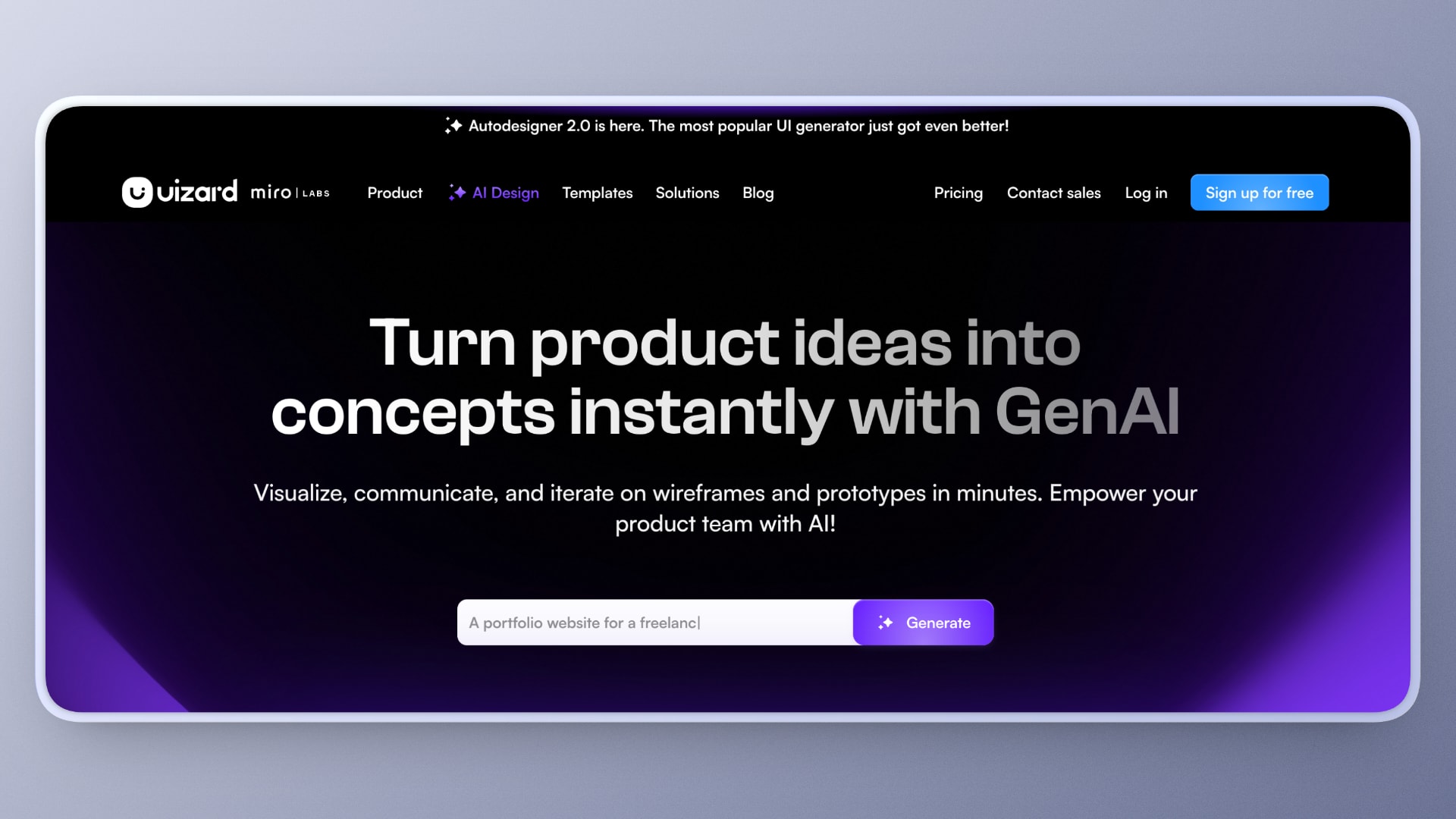
UIzard is an AI-powered UI design platform that turns ideas into visual designs. Whether you provide text prompts, screenshots, or rough sketches, UIzard can turn them into wireframes and multi-screen prototypes in seconds. Both designers and non-designers can use the platform to speed up early ideation and wireframing with its generative features.
- Text-Prompt-Driven UI Creation - The Autodesigner feature helps you generate full UI designs and app screens from simple natural language prompts, which is especially useful for early UX exploration and turning ideas into tangible designs.
- Multi-Screen Mockups - The platform supports the generation of editable multi-screen prototypes with navigation rather than isolated screens, which helps reduce initial boilerplate work and speeds up the design process for complete websites.
- Screenshot-to-Design Conversion - UIzard can turn app screenshots into editable UI mockups. This accelerates idea capture and iteration, especially when refining existing designs or drawing inspiration from other apps.
- Editable and Iterative Design - UIzard allows you to refine AI-generated designs in real time using drag-and-drop tools. This improves human-AI collaboration and allows you to intervene when needed to better fit the output to your needs.
- Collaboration and Handoff - The Handoff mode lets you export prototypes to React and CSS for handoff to development teams, supporting smoother team collaboration.
3. Locofy.ai
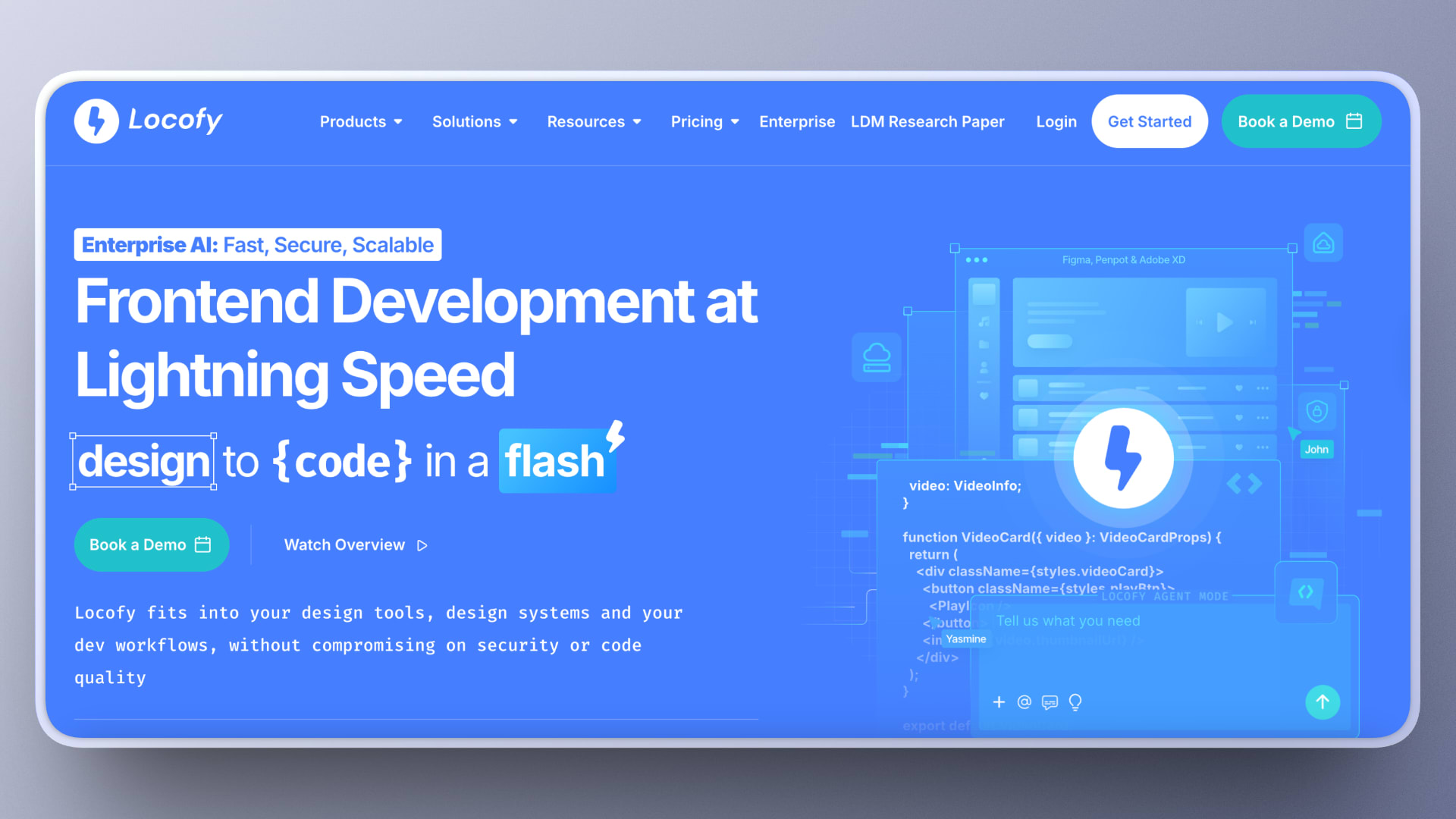
Locofy.ai is an AI-assisted design-to-code platform that converts Figma and Adobe XD designs into responsive, developer-friendly UI code. It focuses on bridging the gap between visual design and production UI by generating reusable components that follow best practices rather than static mockups. This makes it a strong choice for teams looking to speed up design-to-development handoff while maintaining code quality and consistency.
- Design-to-UI Code Generation - Locofy converts Figma or Adobe XD designs into responsive UI code, reducing the manual effort required to translate designs into working interfaces.
- Framework-Aware Output - The platform supports design-to-code conversion tailored to specific frameworks such as React, Angular, and Vue, helping you align the generated UI with your frontend stack.
- Component Mapping and Reuse - Locofy includes features that allow designers and developers to map design elements to reusable components, improving the consistency and long-term maintainability of the generated interfaces.
- Responsive UI Generation - The AI automatically applies responsive rules and breakpoints based on the design, allowing the generated UI to adapt across screen sizes without extensive manual adjustments.
- Developer-Oriented Handoff - The platform focuses on producing readable, structured code intended for real development use rather than one-off prototypes. If you’re looking to speed up design-to-development handoff with AI without adding unnecessary technical debt, this makes it a strong choice.
4. UX Pilot
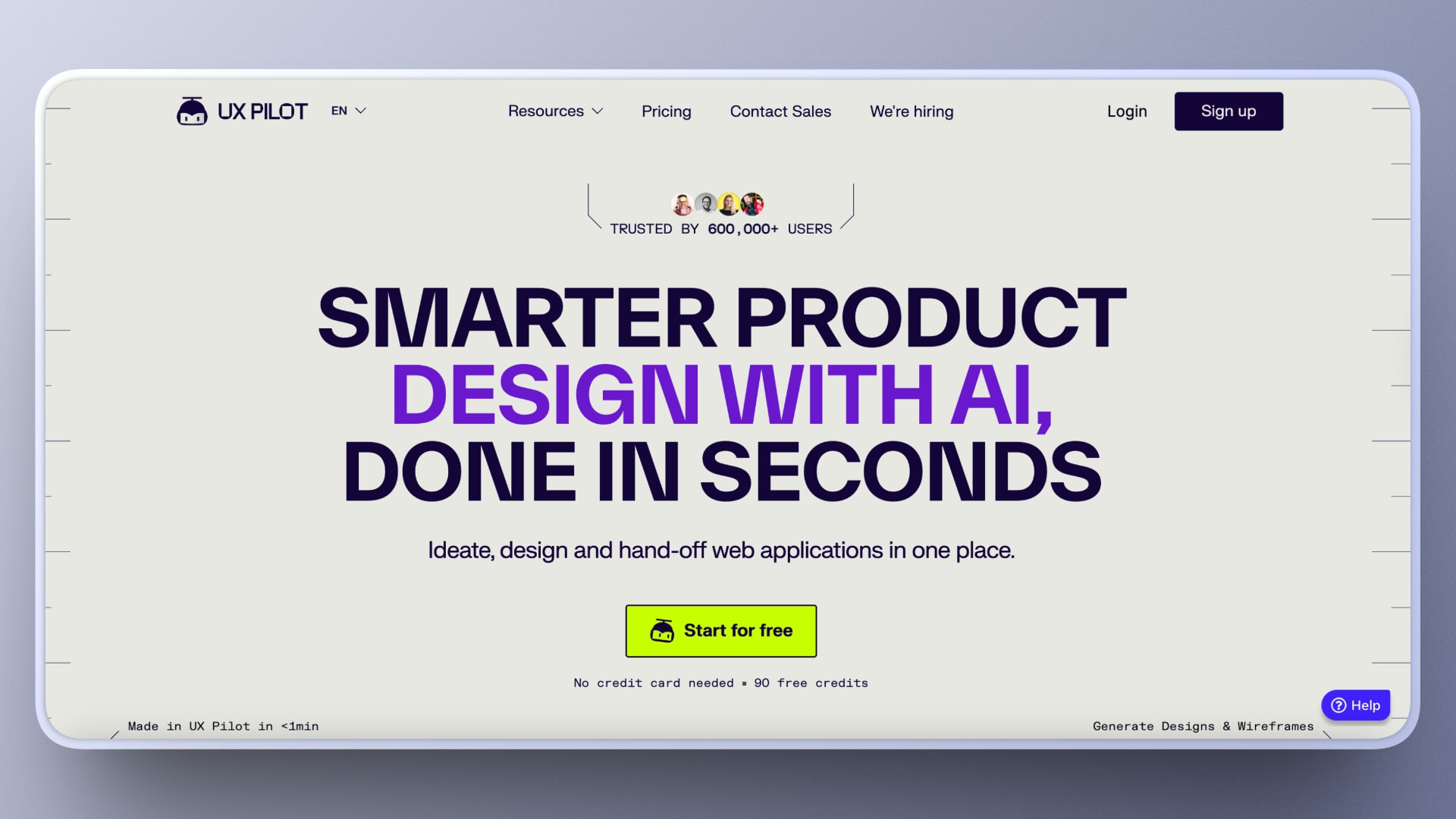
UX Pilot is an AI-powered UX/UI design platform that helps turn text prompts, screenshots, or documentation into high-fidelity interface designs, wireframes, and complete screen flows. These can then be exported to Figma or translated into code, speeding up early UX/UI workflows without requiring traditional hands-on prototyping.
- Multimodal UI Generation - UX Pilot converts natural language prompts, screenshots, or documents into complete UI screens and app flows in seconds. Its support for multiple input formats makes it easier to move from product requirements to design and iterate quickly, especially in larger teams.
- Figma Integration and Plugin Support - The platform supports exporting generated designs to Figma or generating them directly within it through a dedicated plugin, helping integrate AI generation into existing editing and prototyping workflows.
- Smart Screen Flow Creation - The Autoflow feature automatically creates and connects multiple UI screens into flows and journeys, reducing initial setup time and helping visualize how a feature moves through the application.
- Editable High-Fidelity Mockups - UX Pilot generates pixel-perfect interface designs that are fully editable, enabling refinement and iteration after initial AI generation.
- Responsive and Code-Ready Outputs - Every design generated by the platform is responsive and optimized for screen sizes ranging from mobile to desktop, and can be exported to HTML for handoff or user validation.
5. TeleportHQ
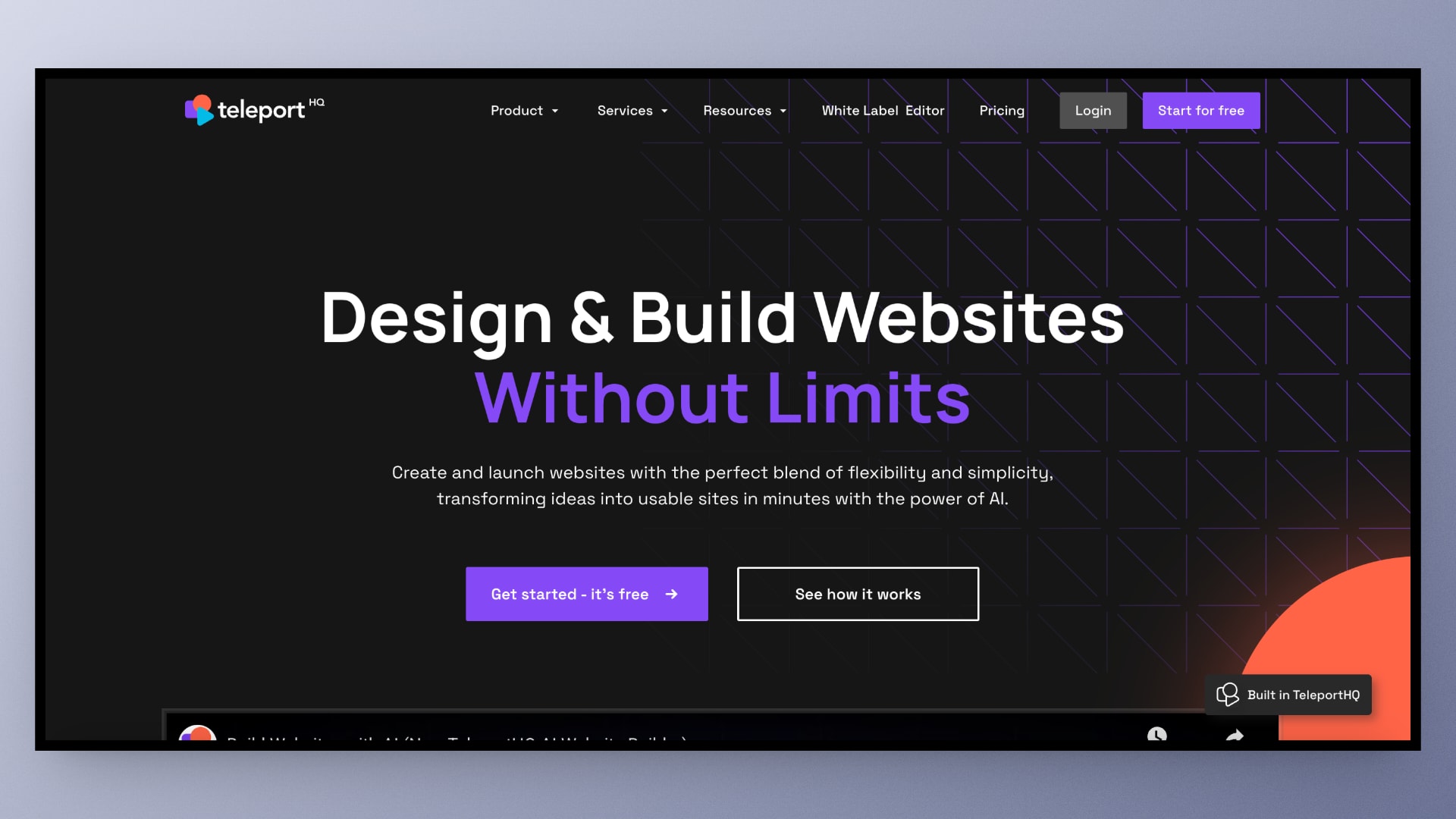
TeleportHQ is a low-code builder and AI-assisted layout generation tool for creating responsive websites and UI. It combines prompt-based generation with visual editing to quickly produce layouts and static site code, while also supporting drag-and-drop editing and publishing.
- Goal-based Generation - TeleportHQ uses prompts and generation goals to create website layouts and page structures with clear intent, giving users a more direct way to guide the AI and move quickly from rough ideas to editable designs.
- Refinement and Variations - The platform can generate multiple layout variations that can then be reviewed and refined individually, making it easier to explore different directions during early design work.
- Visual Builder - After generation, layouts can be edited through a drag-and-drop interface, allowing users to adjust structure and content visually without starting from scratch.
- Design-to-Static-Code Generation - TeleportHQ generates responsive static HTML, CSS, and JavaScript that can be exported or published directly from within the platform, making it useful for lightweight website workflows.
- Component Reuse and Collaboration - The platform supports reusable UI components across projects, which helps improve consistency and supports collaborative work across teams.
Common Mistakes During AI Adoption for UI
Some of the common mistakes developers and designers make when adopting AI workflows for UI generation are listed below:
- Treating UI Generation as a Text Problem - When adopting AI, it’s easy to assume that if an LLM can generate JSX or HTML, it can generate good UI. But that is a big misconception. In reality, UI depends not only on code, but also on structure, constraints, state, and reuse.
- Allowing Free-form Generation in Production Workflows - Unconstrained AI output may look impressive in demos, but it quickly leads to inconsistent layouts, broken design systems, and unmaintainable code in real applications.
- Bypassing the Design System - AI tools can generate UI without enforcing existing components, tokens, and layout rules. As a result, you can lose consistency over time and accumulate UI debt.
- Optimizing for Speed over Predictability - Fast UI generation is meaningless if the output changes unpredictably on every run. For production UI, determinism matters more than creativity.
- Choosing Tools Without Considering the Target User - Tools built for designers, developers, and non-technical users solve very different problems. Mismatched tools often fail adoption, even if they’re technically capable.
- Ignoring Integration with Existing Workflows - Choosing AI-assisted UI tools that don’t fit with your existing frontend, CMS, or CI/CD workflows can derail your AI-adoption plans. Instead of becoming part of your core infrastructure, they often remain side projects.
How Does Puck AI Stand Out?
Now that we have looked at the different tools and technologies used in AI-assisted UI generation, it becomes clear that choosing a tool that builds UI while adhering to your existing components is essential, especially when non-technical users are involved.
Puck AI takes a different approach by treating UI generation as a structured composition problem rather than a free-form generation task. Instead of generating arbitrary code or visual designs, it builds UI using predefined React components, ensuring the output remains consistent with your design system and production standards.
By combining schema-driven constraints, business context, and configurable rules, Puck makes AI more predictable and governed rather than exploratory. With both a visual editor experience and programmatic generation, it allows you to combine AI-assisted visual page building with automation pipelines, making it easy to scale UI creation beyond manual design workflows.
Final Takeaway
Whether you are a developer, designer, or simply curious about moving beyond free-form generation and building UI with predefined components, Puck is a strong choice. Check out the docs to get started with AI-assisted UI generation built around your own components.
Learn more about Puck
If you’re interested in learning more about Puck, check out the demo or read the docs. If you like what you see, please give us a star on GitHub to help others find Puck too!