 Amitesh Anand
TL;DR
- AI in interfaces started with design help and mockup generation. Now it is moving towards generating UI inside real applications using predefined components and rules.
- Figma AI accelerates visual exploration and layout ideation within the design layer.
- Puck AI generates production-ready UI using existing React components within the application layer.
- The shift is from AI helping teams imagine interfaces to AI helping teams ship scalable, business-aware UI systems.
Introduction
You type a prompt: “Create a SaaS landing page with a hero, pricing, and testimonials.”
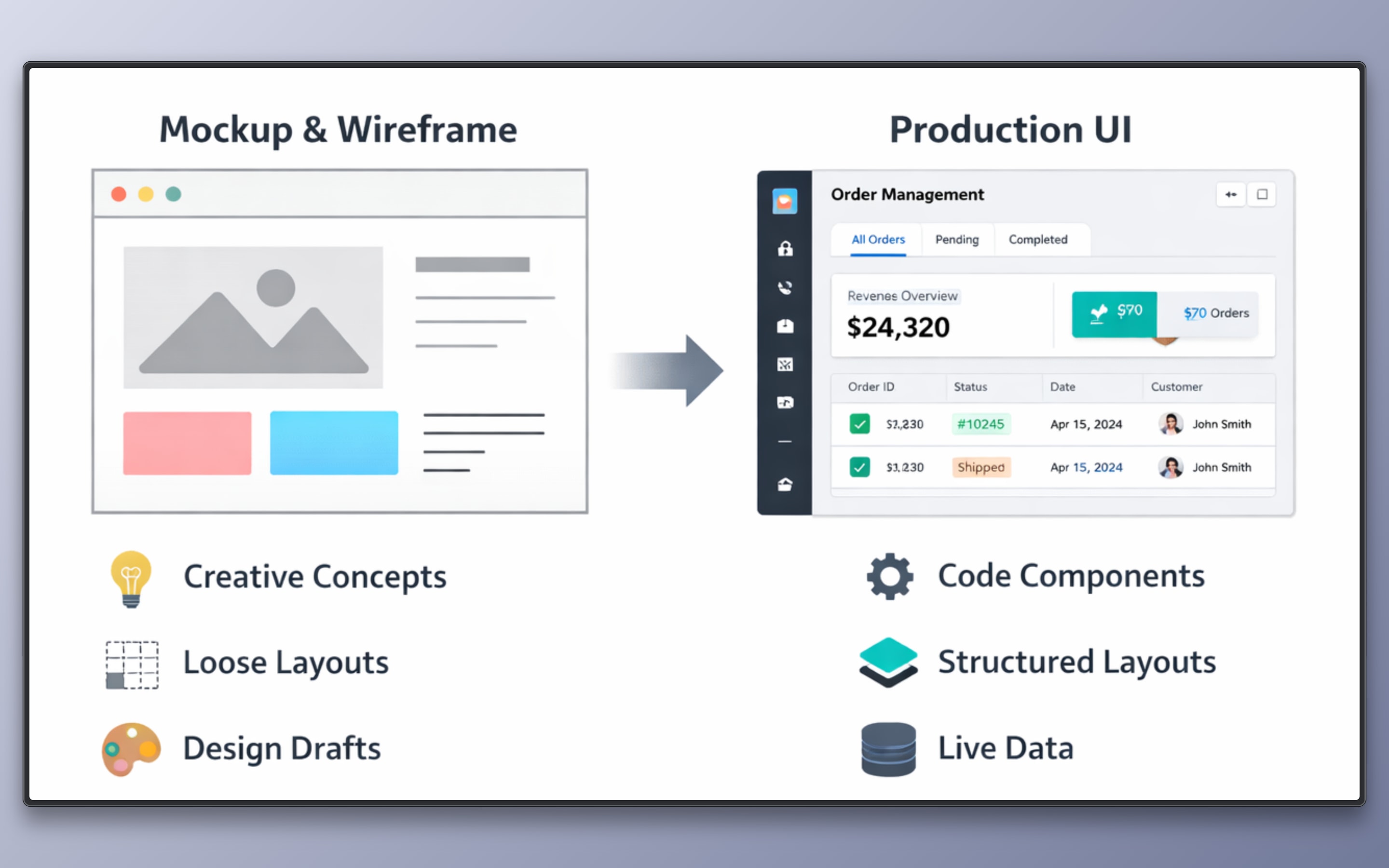
In a design tool, the output is a mockup with layout, styles, and reusable components. It helps designers and developers define and validate the UI before development.
In a component-based UI generator, the output is a page built using existing React components from the codebase, which can be used directly in the application and generated by users or systems without requiring new implementation or redeployment.
These represent two layers of AI in UI workflows:
- Design Layer: Generates visual layouts for exploration and validation
- Production UI Layer: Generates UI using predefined components, props, and rules
The difference is not just where AI runs, but what it produces: design artifacts vs executable UI.
This article compares Figma AI and Puck AI as examples of these two approaches.
Two Layers of the Modern Product Stack
Modern product development teams operate across two distinct layers, even if they appear tightly connected.
The first is the design layer. This is where interfaces are explored before they are implemented. Designers and developers work with frames, auto layout, tokens, and reusable components to define structure and visual hierarchy. The output here is a design artifact. It communicates intent, layout decisions, and system patterns. It does not execute inside the application.
The second is the production UI layer. This is where implemented interfaces are executed and used. React components, props, routing, state management, and business rules define how the UI behaves. Here, every element maps to real code, data contracts, and deployment pipelines, and can be used directly by users or systems.
AI systems operate differently across these layers.
- In the design layer, AI assists in visual exploration.
- In the production UI layer, AI generates UI using predefined components and constraints.
What Figma AI Does: Design
Figma AI is a set of AI features integrated into the Figma design environment. It helps designers and developers create layouts, organize components, and generate content during the interface design phase.
Figma AI can also provide code suggestions (such as CSS or component-like structures) through features like Dev Mode. However, this code is generated from design artifacts and does not have awareness of application logic, state, or component contracts.
As a result, the output is mainly used for design exploration and handoff, and still requires implementation and alignment within the actual codebase.
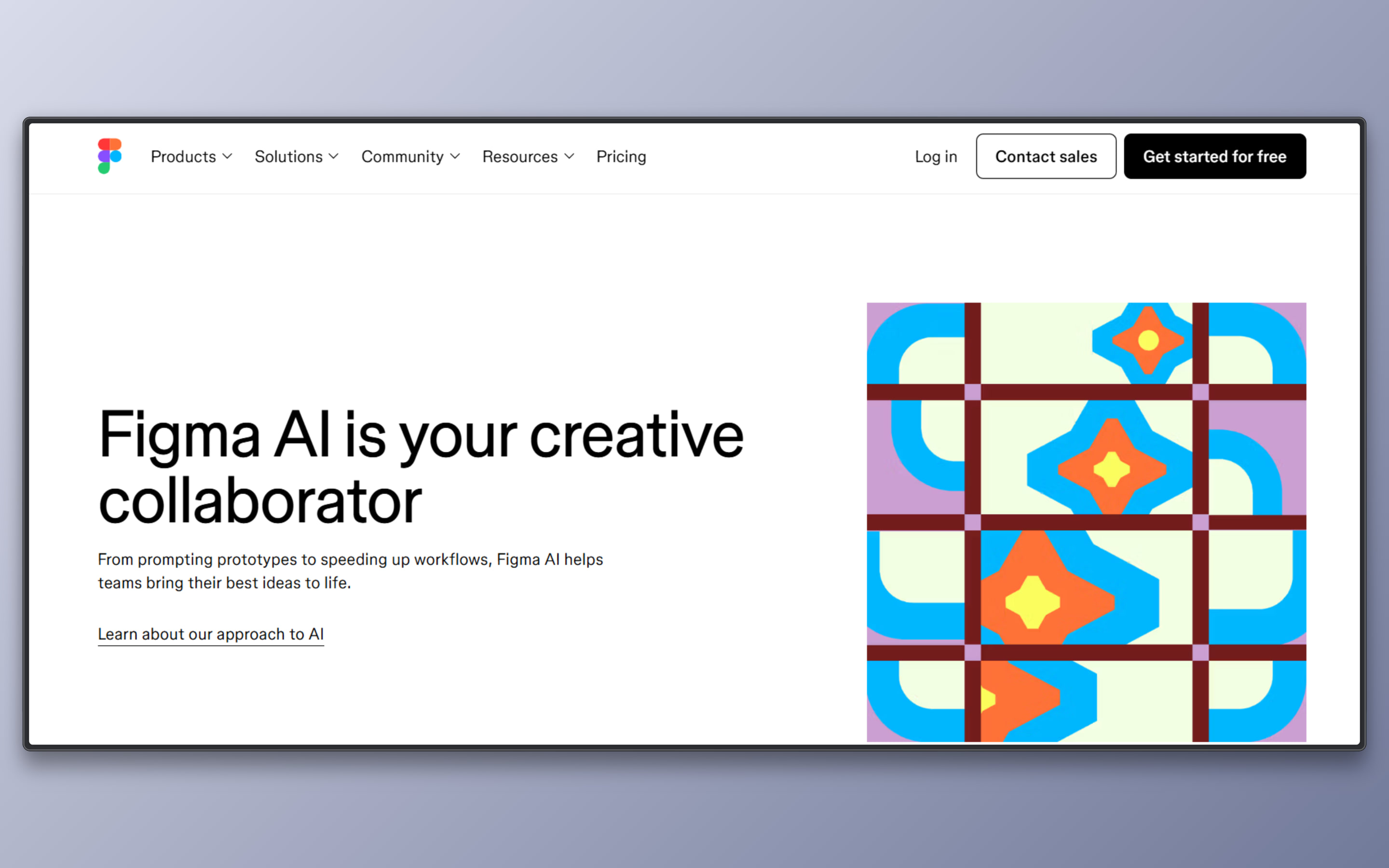
- Layout Generation: Creates structured frames and section layouts from prompts, reducing manual arrangement of design elements.
- Auto Layout Assistance: Applies spacing, alignment, and resizing rules to maintain consistent visual structure across components.
- Design System Alignment: Suggests reusable components and styles to keep designs consistent with established tokens and patterns.
- Wireframe Acceleration: Generates early-stage mockups and placeholders for faster concept validation.
- Content and Copy Suggestions: Proposes contextual text for UI sections to speed up iteration during prototyping.
Figma AI improves speed and clarity during visual exploration. The resulting artifacts still require engineering implementation within the application stack.
What Puck AI Does: Production UI
Puck AI is an AI layer built on top of the Puck visual editor framework. It generates structured user interfaces that map directly to predefined React components and schemas.
Unlike design-centric AI, Puck AI works within the application context and leverages the host’s component configuration, allowing UI output to align with real code and application constraints.
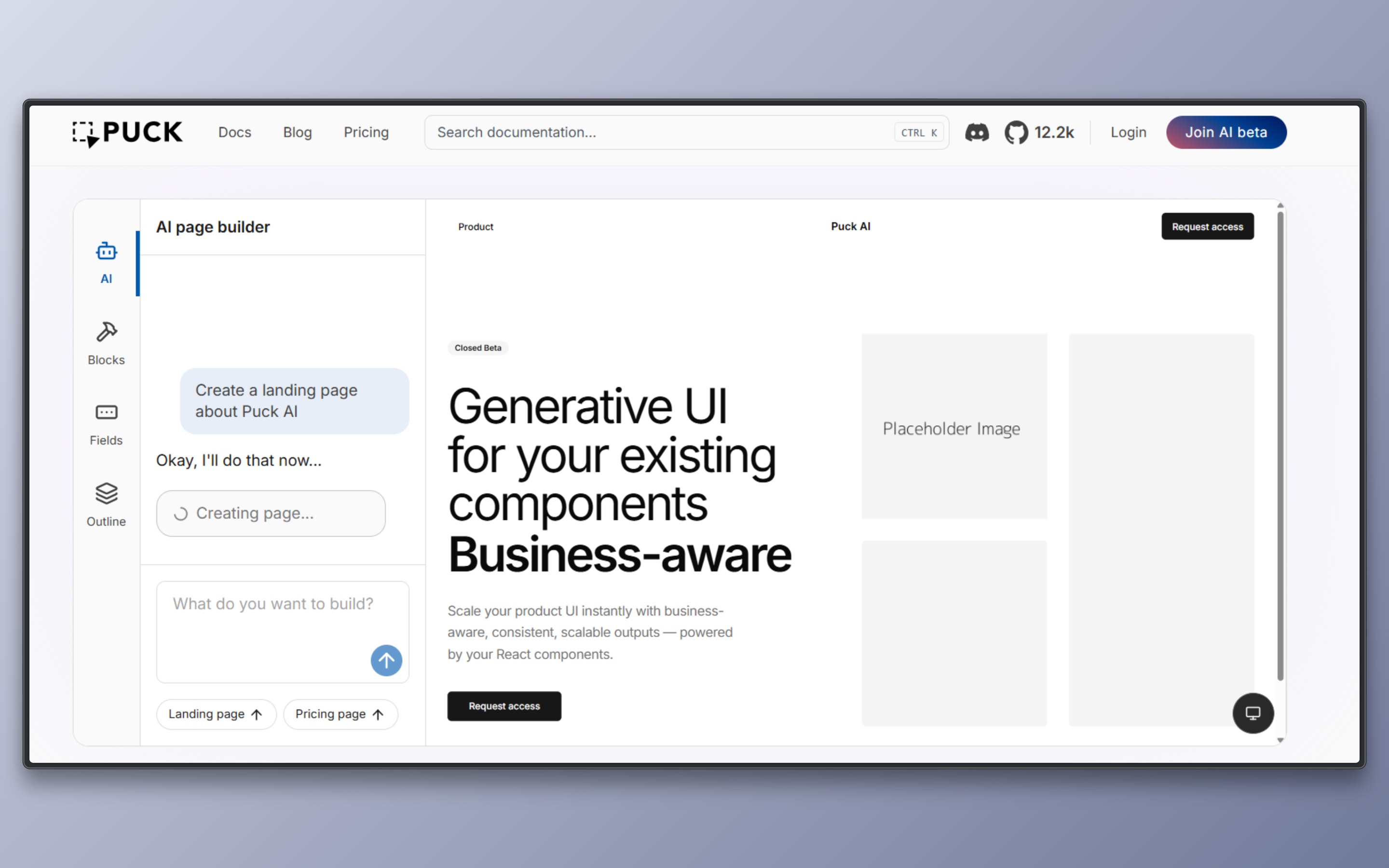
- Component-Based UI Generation: Produces UI by assembling React components defined in the host application rather than generating arbitrary code.
- Schema-Constrained Output: Respects component props, field definitions, and configured layout constraints to ensure the generated UI matches the application’s data model.
- In-Editor Generation: Runs inside the Puck visual editor, enabling designers and developers to refine AI output within the same interface where components are assembled manually.
- Business Context Injection: Allows teams to feed brand guidelines, business rules, or domain constraints into the generation process so that output aligns with both UI standards and application logic.
- Headless Automation API: Exposes APIs for programmatic UI generation, enabling automation of page creation workflows or integration into internal tooling pipelines.
Puck AI generates brand-consistent, production-aware UI that fits directly into a React application’s component architecture.
Figma AI vs Puck AI
| Dimension | Figma AI | Puck AI |
|---|---|---|
| Primary Output | Design files, frames, mockups | Structured UI assembled from registered React components |
| Execution Context | Operates inside the Figma design environment | Operates inside your application and visual editor runtime |
| Constraint Model | Layout, styling, and design system rules | Component schemas, props, and layout configuration |
| Source of Truth | Design system and visual tokens | React component definitions and field schemas |
| Workflow Position | Pre-development, before code implementation | Post-deployment, runtime UI composition and authoring workflows |
| Implementation Alignment | Requires developer translation into code | Uses existing production components |
| Business Context Handling | Brand consistency and visual guidelines | Brand, business rules, and structured data constraints |
| Speed Optimization | Accelerates ideation and visual iteration | Accelerates repeatable component based page assembly |
| Scalability Model | Scales design exploration | Scales production ready UI generation |
| Automation Capability | Limited to design level generation | Supports headless UI generation outside the editor |
When to Use Which
Use Figma AI when:
- Exploring new layout concepts or interaction patterns
- Iterating quickly on wireframes and visual structure
- Validating design direction before engineering effort
- Refining design system usage at the mockup level
Use Puck AI when:
- Generating UI from existing React components
- Producing deterministic, production-ready pages at scale
- Embedding business rules and data into UI generation with tools
- Automating structured page creation within runtime UI composition and live content authoring workflows
Final Verdict
AI in UI workflows started mainly to help with design, like creating mockups and trying different layouts faster. Now it is moving towards generating UI inside real applications using existing components and system rules.
Are you using AI to explore ideas, or to actually ship UI inside your React stack? Explore Puck to build your own visual editor, and try Puck AI to generate production-ready UI using your real components.
Learn more about Puck
If you’re interested in learning more about Puck, check out the demo or read the docs. If you like what you see, please give us a star on GitHub to help others find Puck too!